

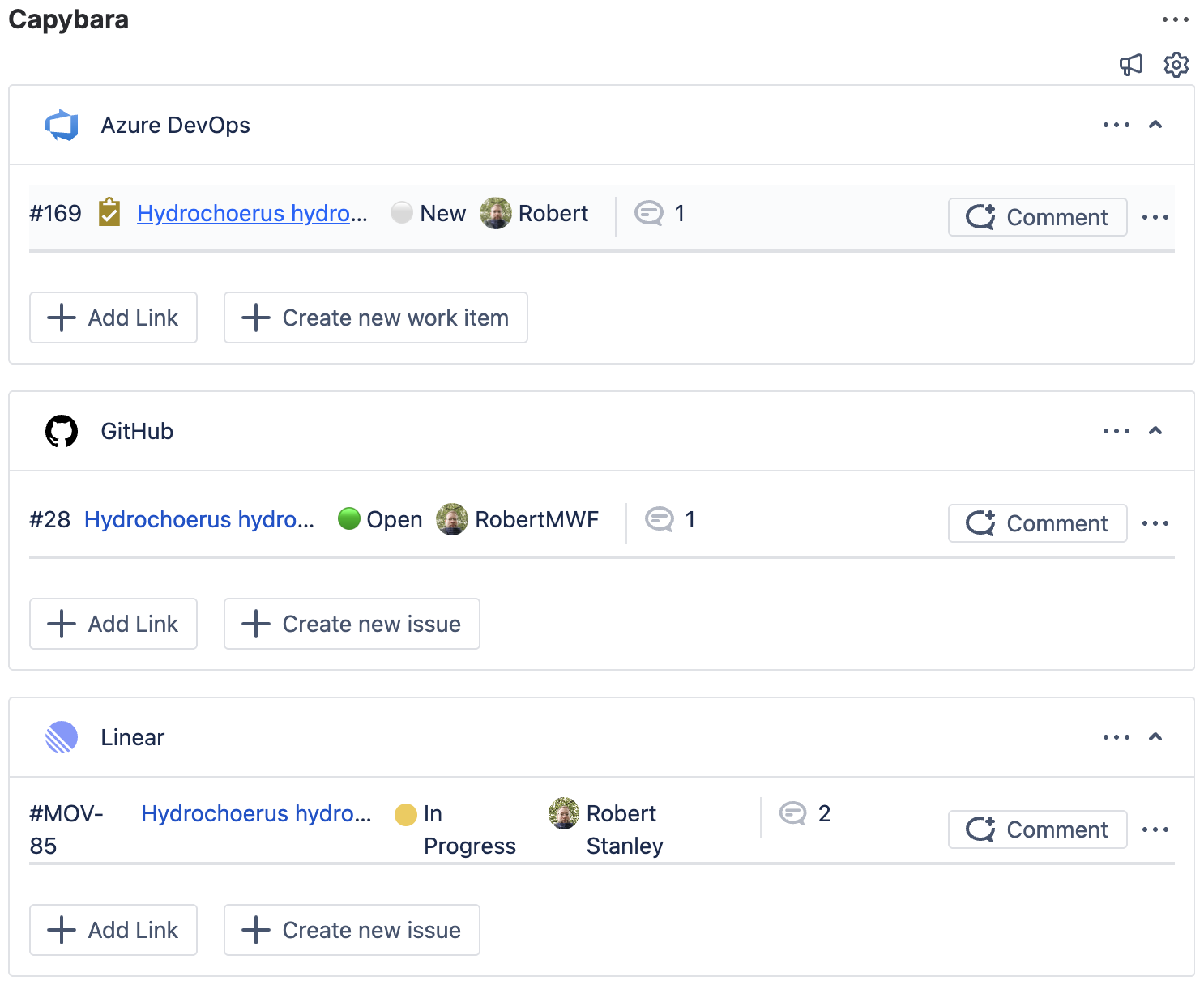
Capybara: GitHub, Linear, Azure DevOps for Jira & JSM makes it easy to comment on linked GitHub, Linear, and Azure DevOps tasks from Jira work items.
Follow these steps to add comments to linked development tasks from within Jira issues or Jira Service Management requests.
-
Open the Jira issue or JSM request that has a linked development task.
-
Go to the linked Azure DevOps work item or GitHub issue or Linear task you wish to comment on and click on

-
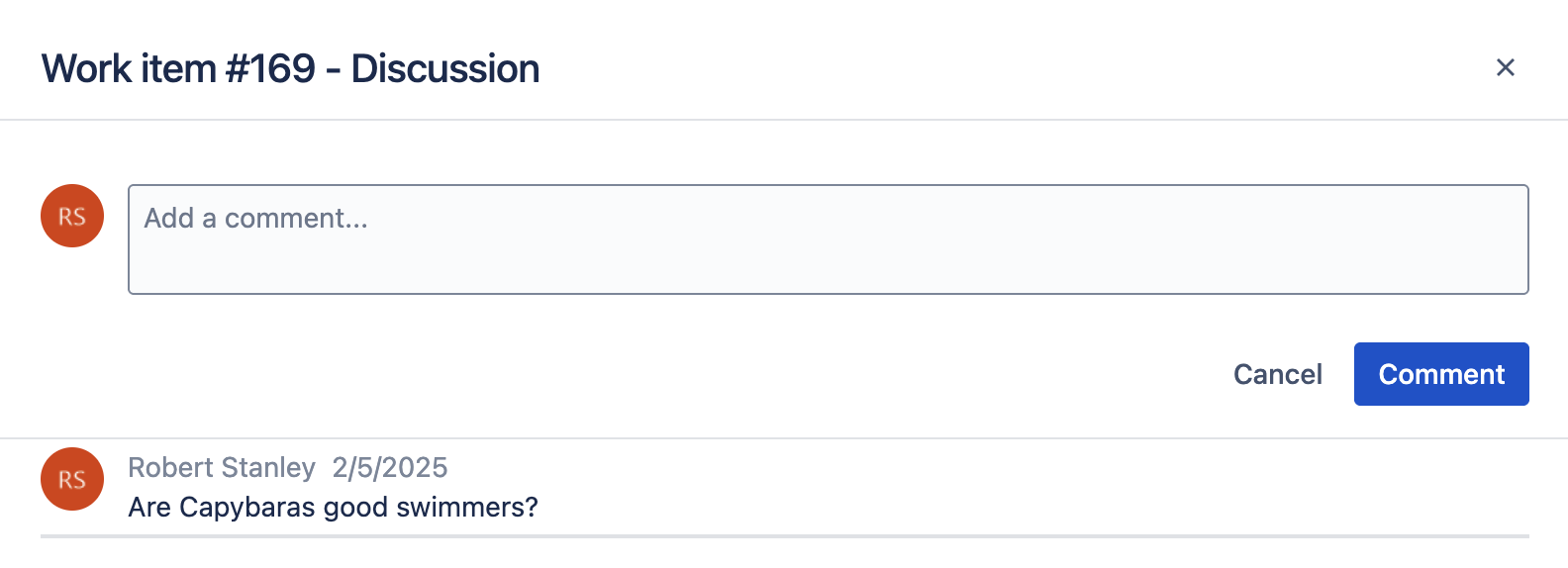
The pop-up window allows you to comment directly on the linked development task.
-
Additionally, you can see the history of all comments for this task. The
