

Using Task Roulette - Item view
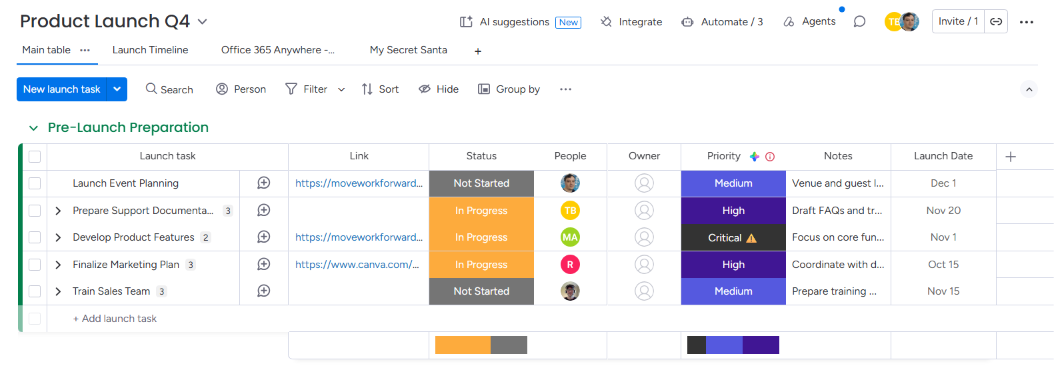
If you need to assign people to tasks randomly, first select a board with a People Column (this feature requires it).
Click on the first item to open the sidebar, then select the Task Roulette tab.
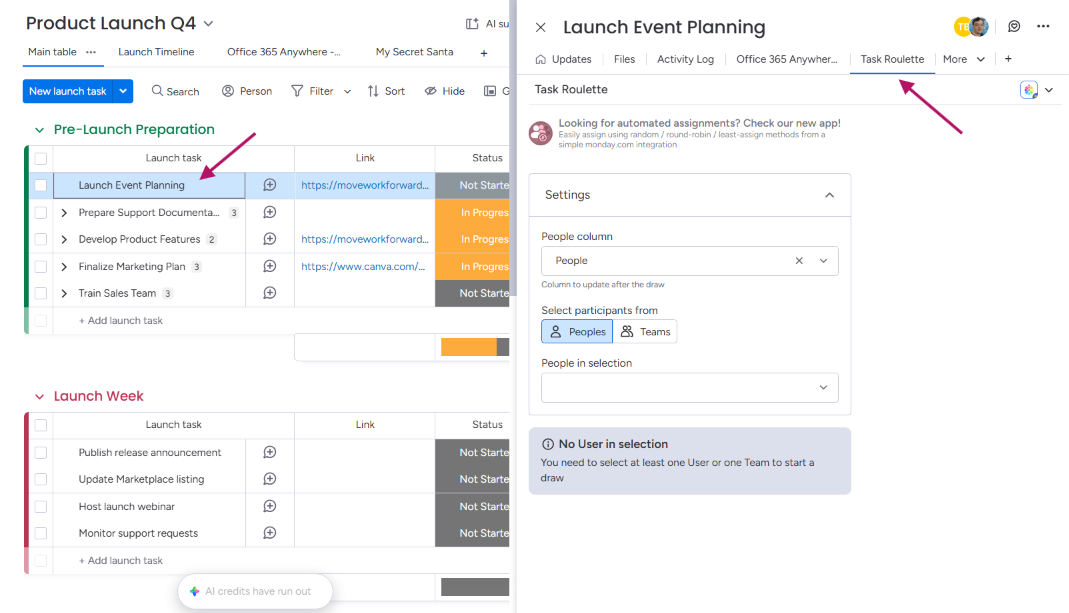
Settings
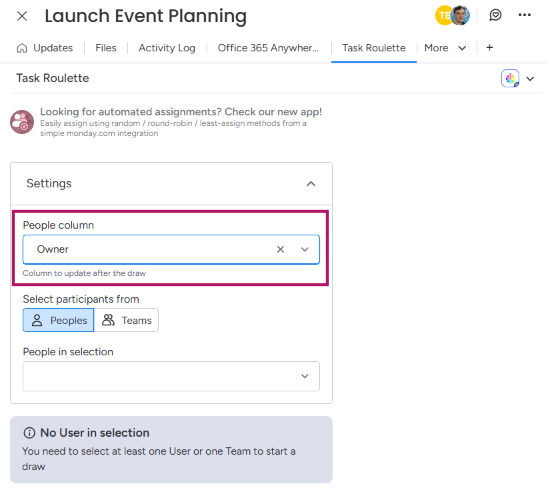
Before using Task Roulette, select the People column you want to assign people to and choose values to fill the list.
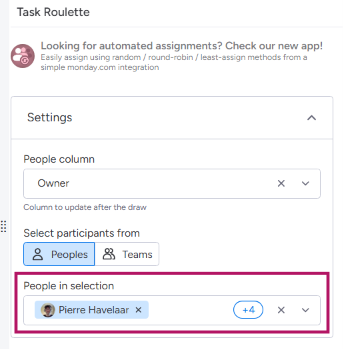
It can be :
-
Manually selected users
-
A team where all members of the team will be chosen
Or, if you already set up these values, you can use the Reuse previous parameters button to reuse previously set values.
Let the Wheel of Fortune assign your tasks!
Now that your list is set, just hit the Spin button located at the centre of the Wheel of Fortune.
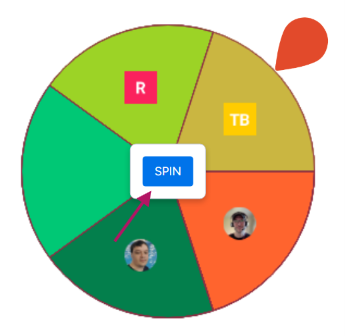
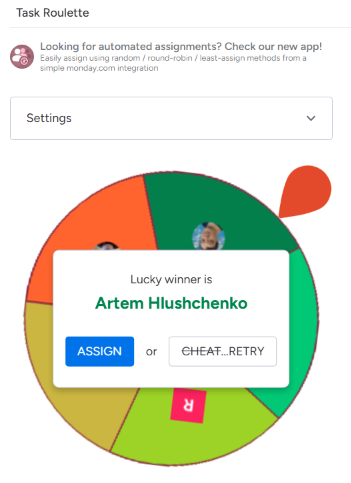
When the Wheel picks the winner, you can either assign the selected user to the task by clicking the Assign button or spin the wheel again.
Using Task Roulette - Widget view
Settings
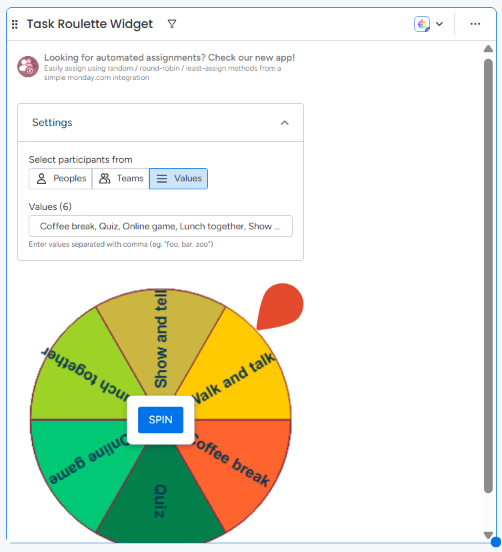
Before using the Task Roulette Widget, you need to choose values to fill the list.
It can be :
-
Manually selected users
-
A team where all members will be chosen
-
Manually typed values separated with a comma
Start Spinning!
When your list is ready, you can collapse the settings menu or click the spin button at the centre of the Wheel of Fortune.
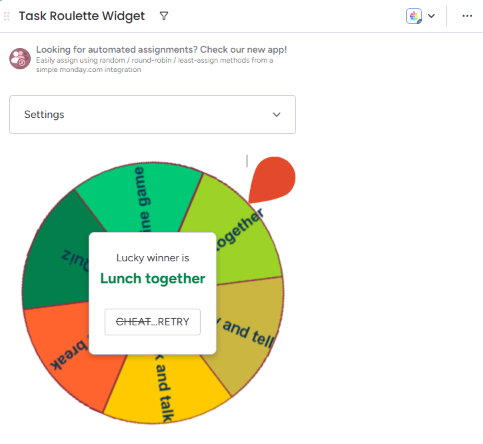
When the Wheel picks the winner, you can spin the wheel again by clicking the Retry button.
Updated: