

Embedding live GitHub data in your technical documentation keeps content accurate, reduces duplication, and lets readers see code, context, and status without leaving Confluence.
Source files and README embedding
Include source code, configuration files, or README files directly in your documentation. Content refreshes live from GitHub on each page load. Paste any file URL:
https://github.com/{owner}/{repo}/blob/{branch}/{path/to/file}
Toggle Show extended information in the macro config to display the file expanded by default.
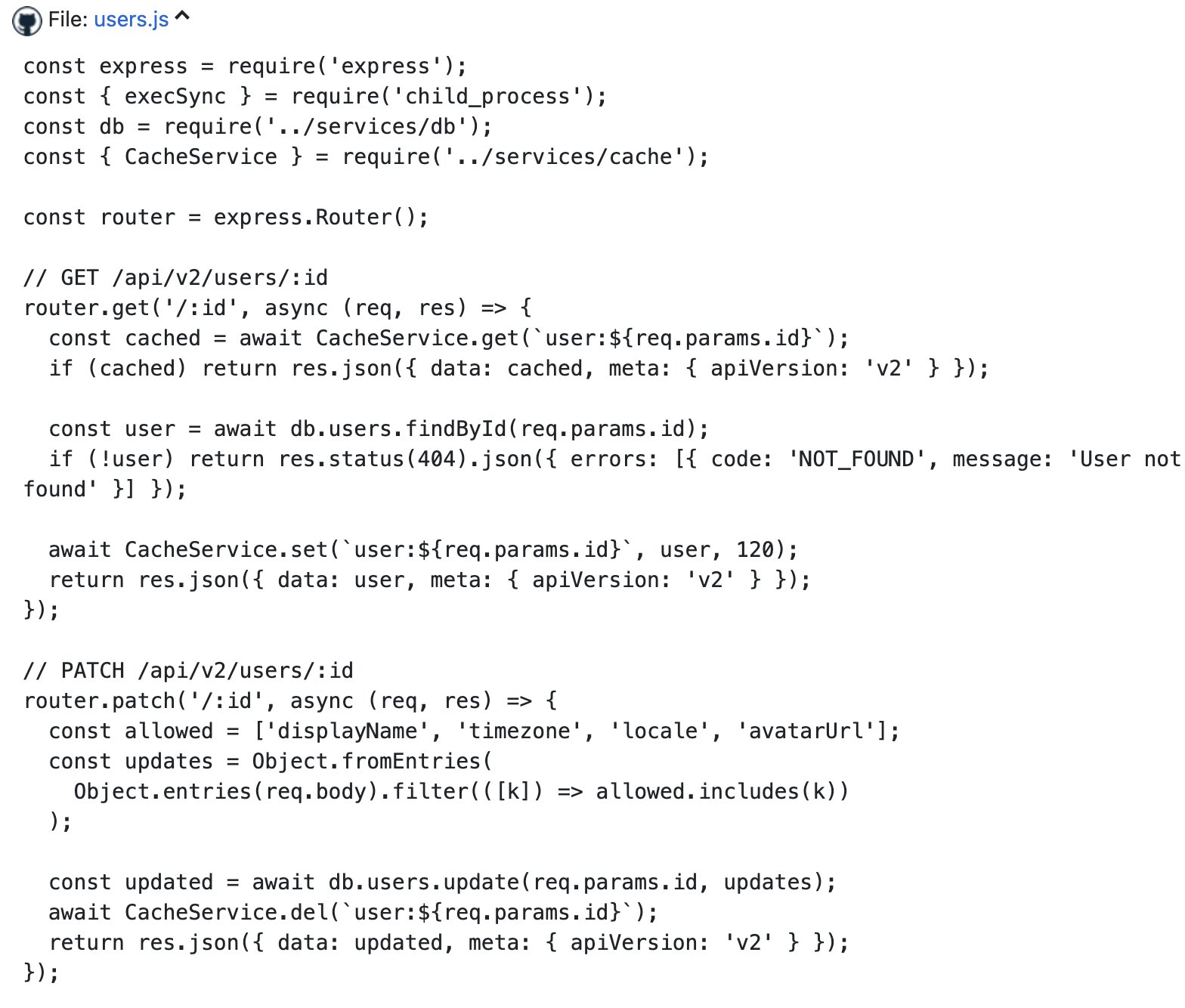
Embedding a specific line range
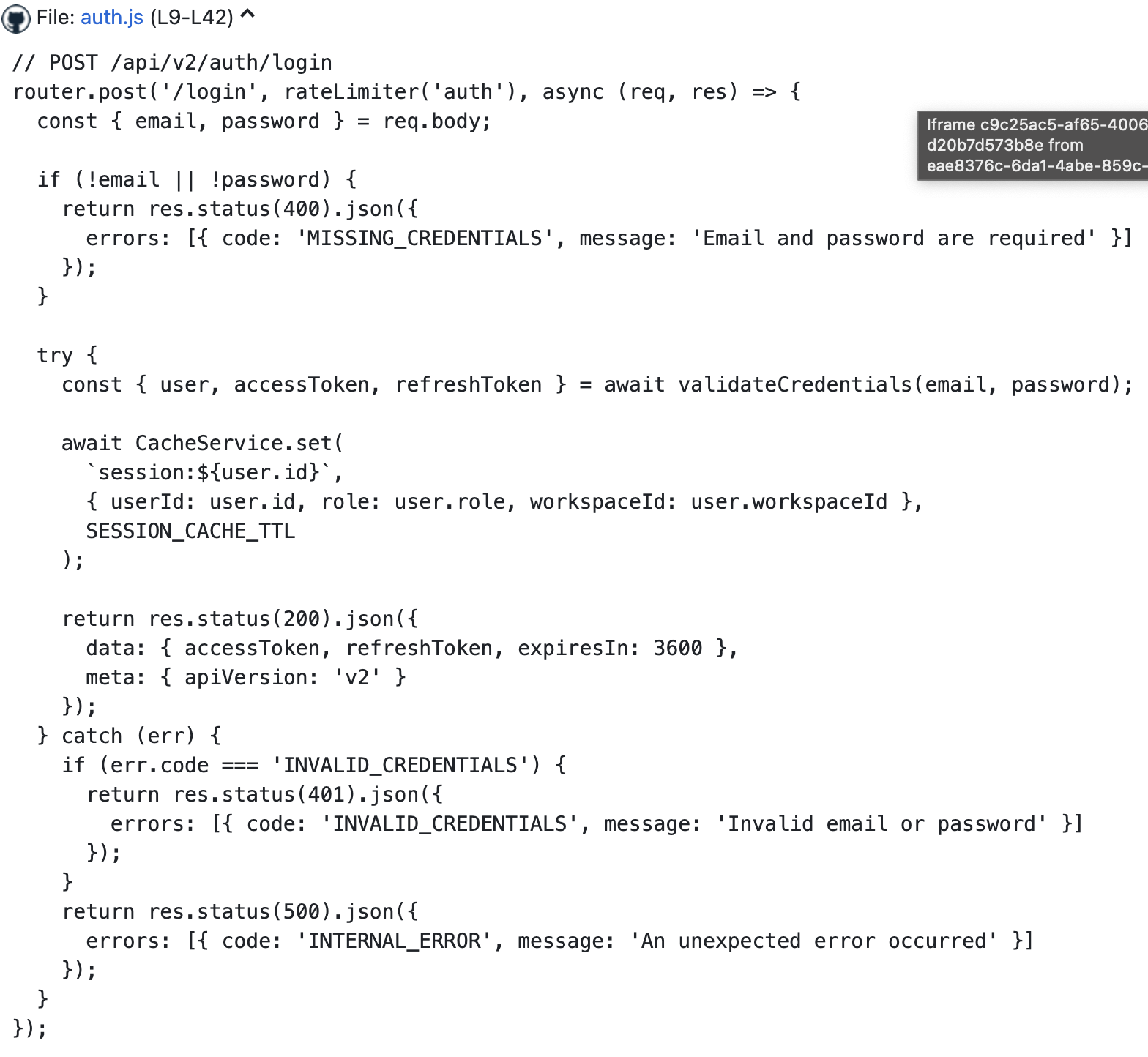
To highlight a particular function or configuration block, append a line range to the URL:
https://github.com/{owner}/{repo}/blob/{branch}/{path/to/file}#L12-L28
The macro displays only those lines with a label showing the range. See Linking Source File Segments for full details.
Gists
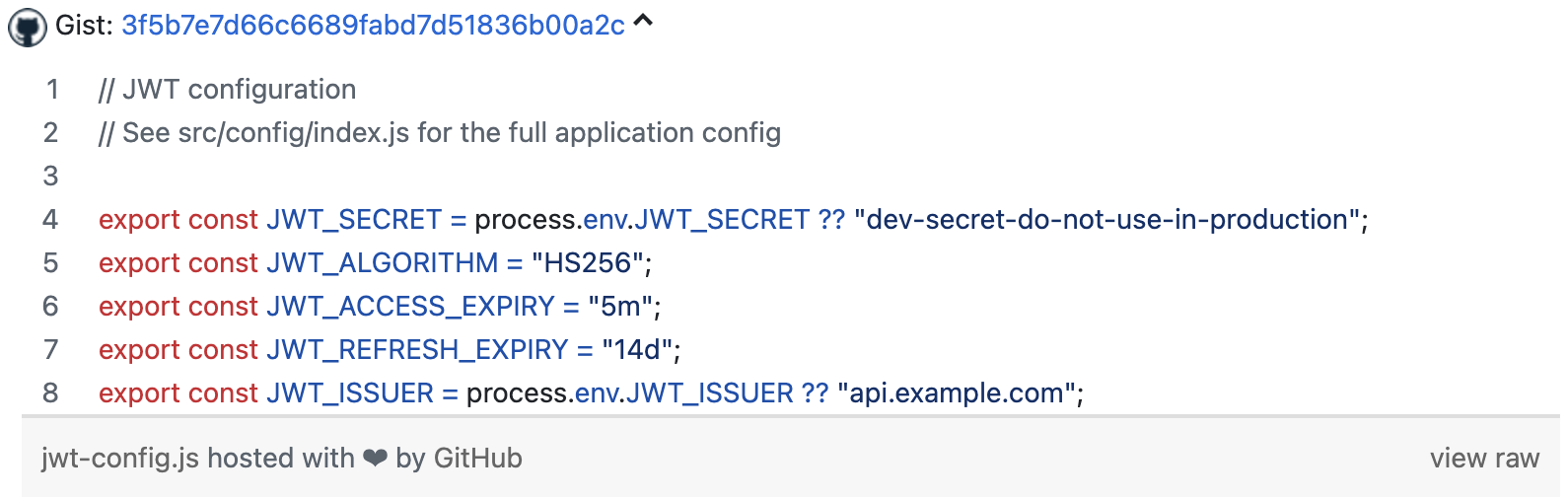
For short, self-contained code snippets that do not belong in a full repository, use a GitHub Gist:
https://gist.github.com/{user}/{gist-id}
Gists also support line ranges (#L5-L12). Toggle Show extended information to display expanded by default.
Commits
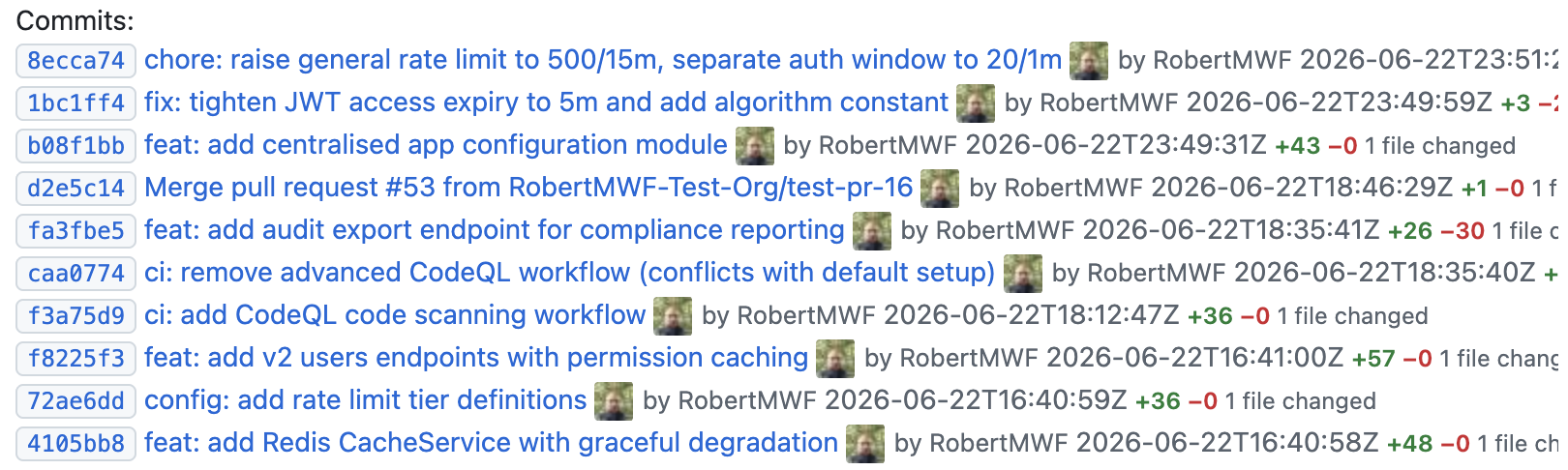
Reference a specific commit to document a precise change or fix:
https://github.com/{owner}/{repo}/commit/{sha}

To embed a full commit history for a branch:
https://github.com/{owner}/{repo}/commits/{branch}
Compare view
Embed a branch or tag comparison to show what changed between two points in a codebase. Useful in release notes, ADRs, or migration guides:
https://github.com/{owner}/{repo}/compare/{base}...{head}

Discussions
Link to a GitHub Discussion to embed Q&A threads, RFCs, or decision logs directly in your documentation:
https://github.com/{owner}/{repo}/discussions/{number}

Embed a list of discussions in a specific category (e.g. RFC or Design):
https://github.com/{owner}/{repo}/discussions?discussions_q=category:{category}

Discussions require the Discussions (read) GitHub App permission. See Working with Discussions.
Updated: