

The Autodesk Forma for Outlook app (formerly Autodesk Construction Cloud for Outlook) enables you to view, manage, and respond to Autodesk Forma issues directly from your Outlook inbox. Access detailed issue information, update fields, add comments, and collaborate with your team without leaving your email.
Outlook Installation
From Outlook
-
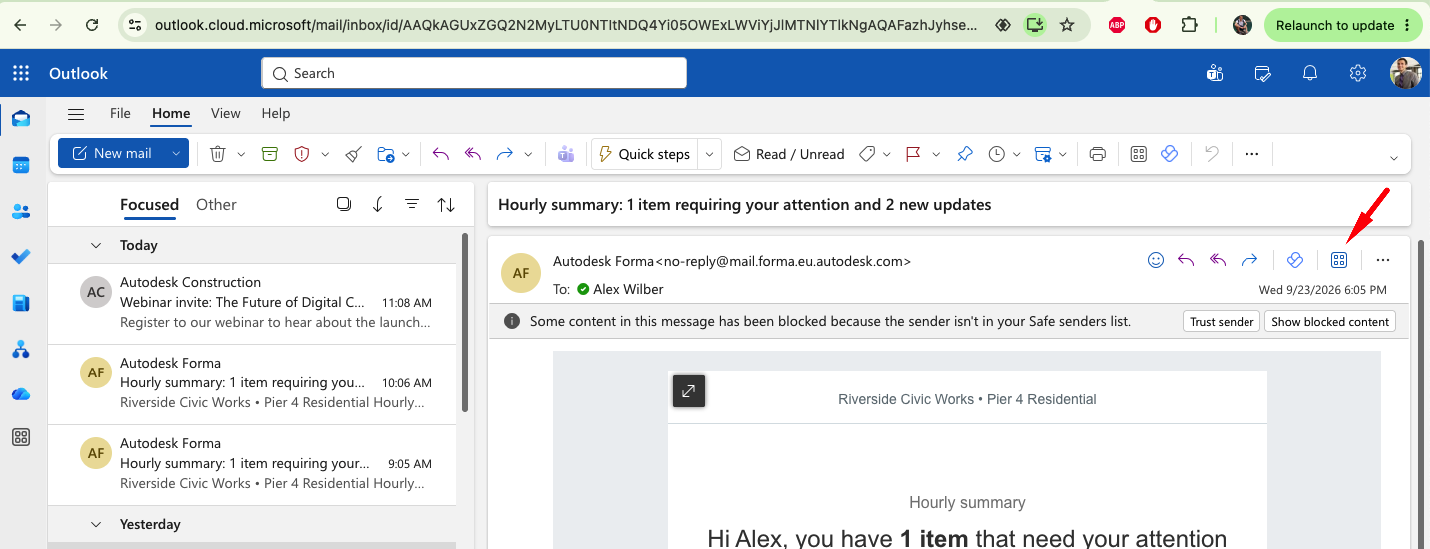
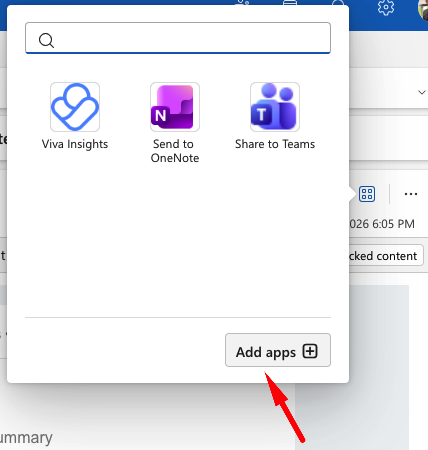
In Outlook, select the Add apps icon, then select Add apps from the pop up.
-
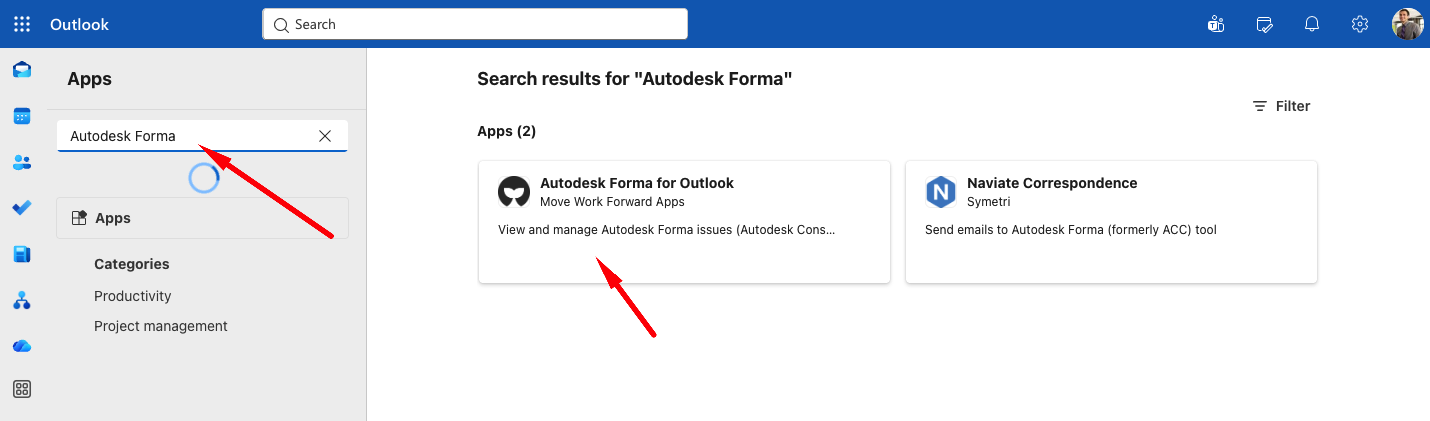
In the Apps dialog, use the search box to search for Autodesk Forma for Outlook.
-
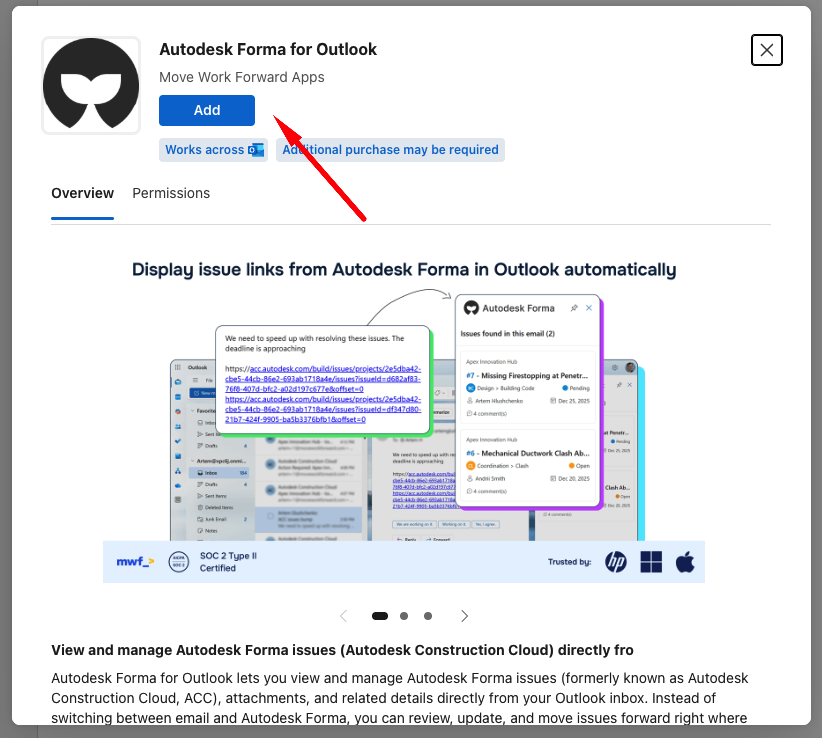
Select the app and click Add.
From the Microsoft Marketplace
-
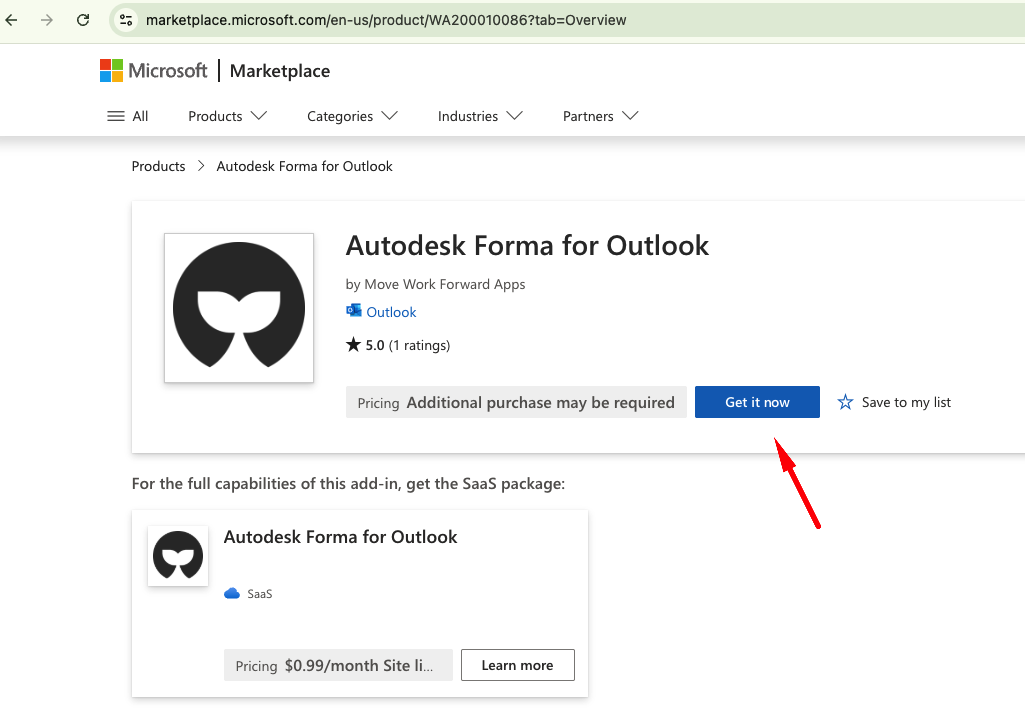
Go to the Microsoft Marketplace in your browser.
-
Use the search box to search for Autodesk Forma for Outlook - or use the direct link above.

-
Click Get it now, then follow the prompts to add it to your Outlook account.
Linking Autodesk Forma and Outlook
Open an Email with an Autodesk Forma Issue
Open an email that contains a linked Autodesk Forma issue.
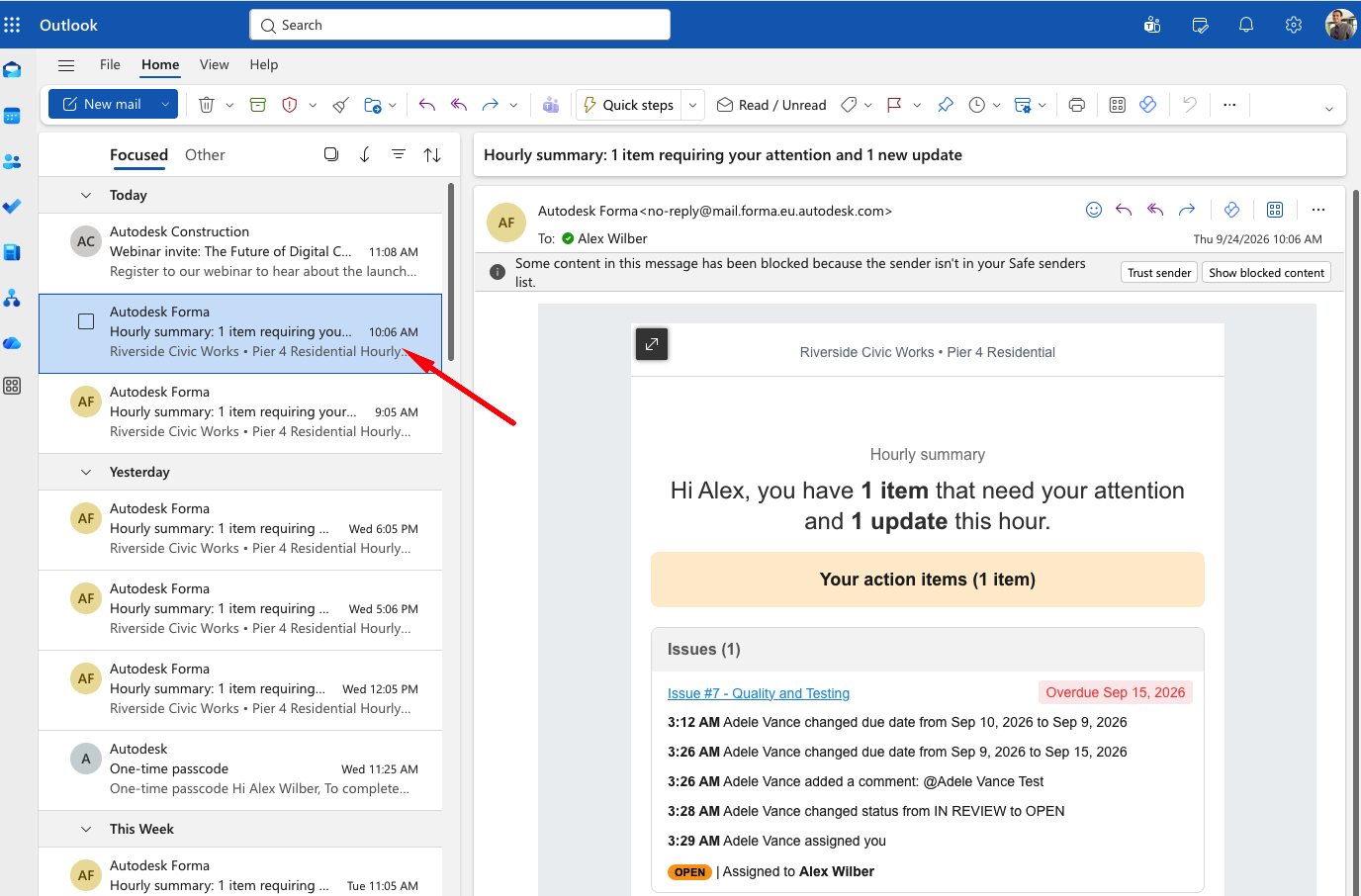
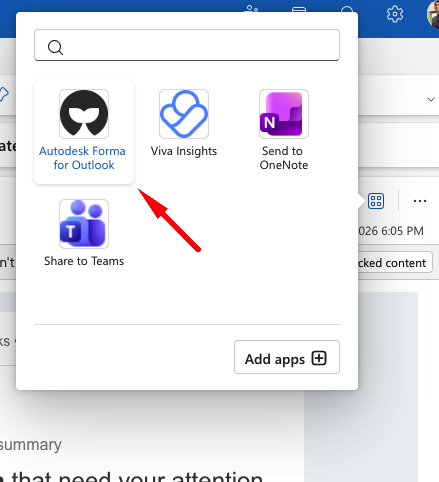
If you do not see the Autodesk Forma for Outlook app in the side panel, select it from the Outlook apps section to launch it.
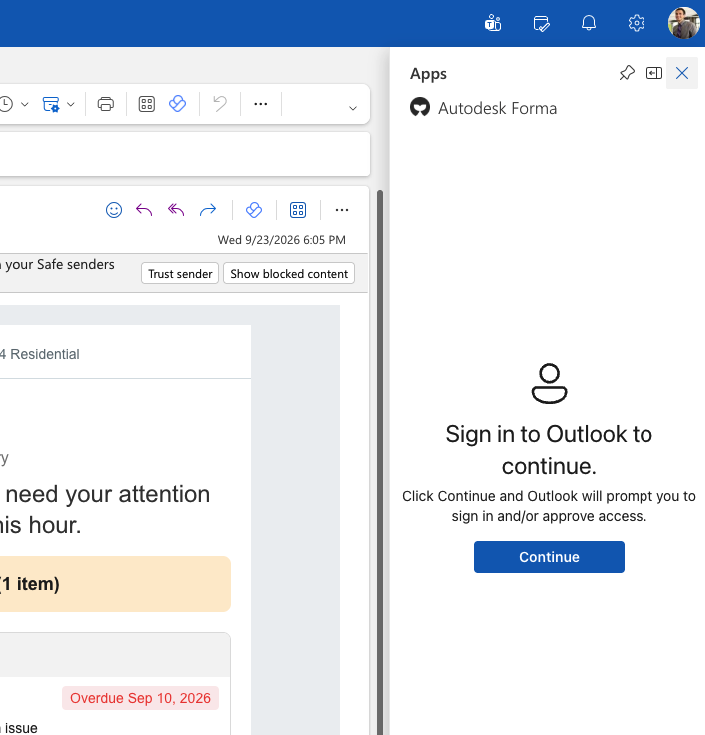
Grant Application Permissions
-
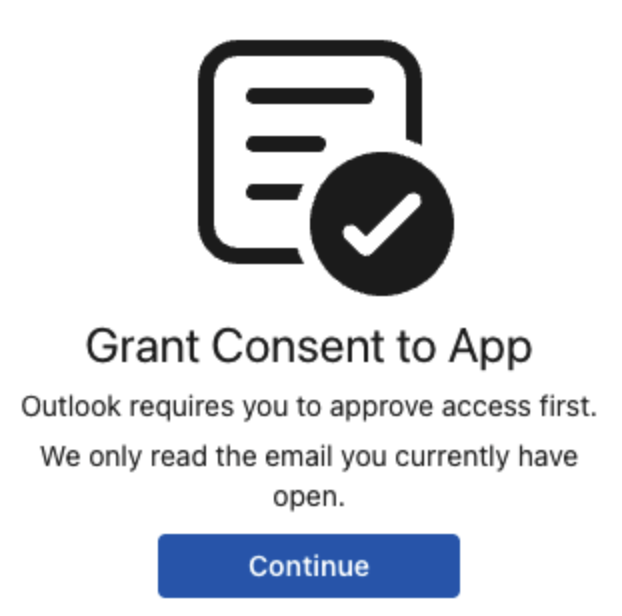
Click Continue to begin the consent process.
-
Sign in with your Outlook (Microsoft 365) account if prompted.
-
Review the requested permissions and click Accept.
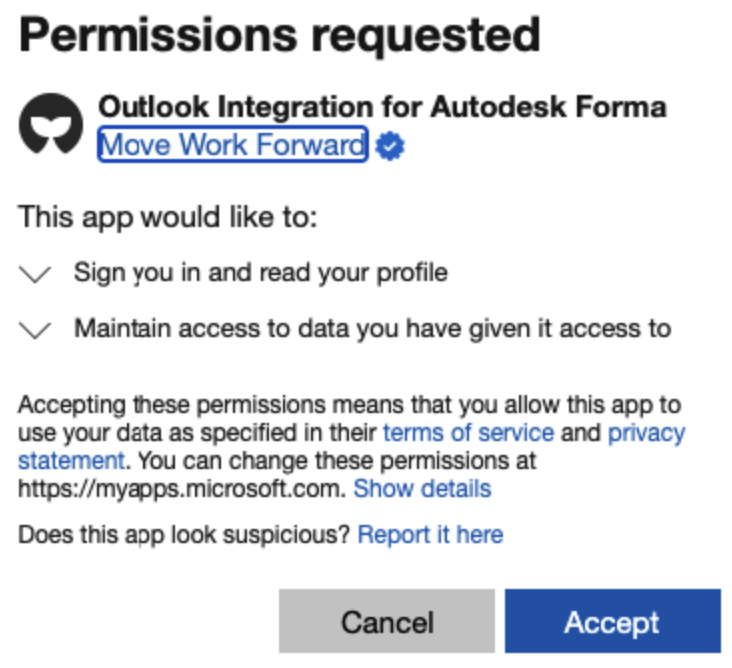
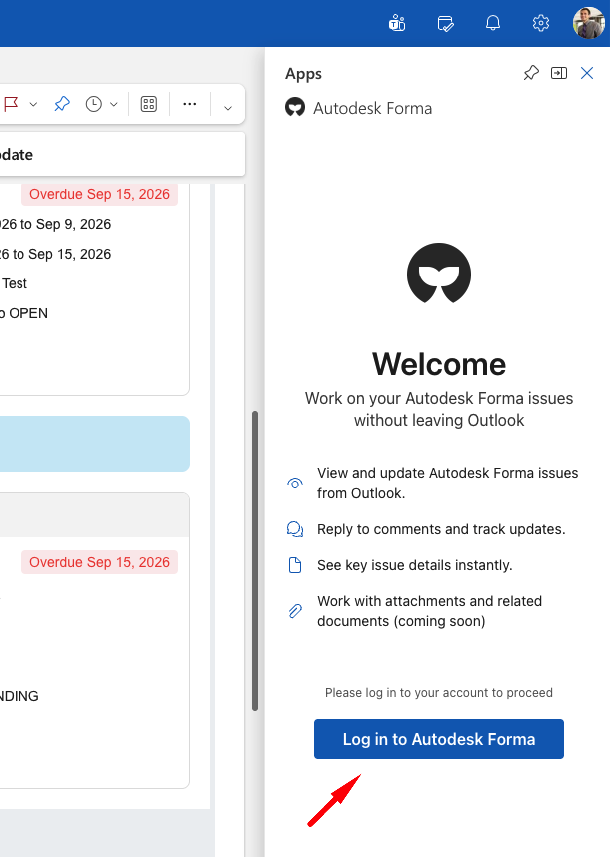
Once permissions are granted, the Welcome screen will appear.
Sign in to Autodesk Forma
-
On the Welcome screen, select Log in to Autodesk Forma.
-
Sign in with your Autodesk Forma credentials.
-
Enter the one-time passcode (OTP) sent to your email, if prompted.
-
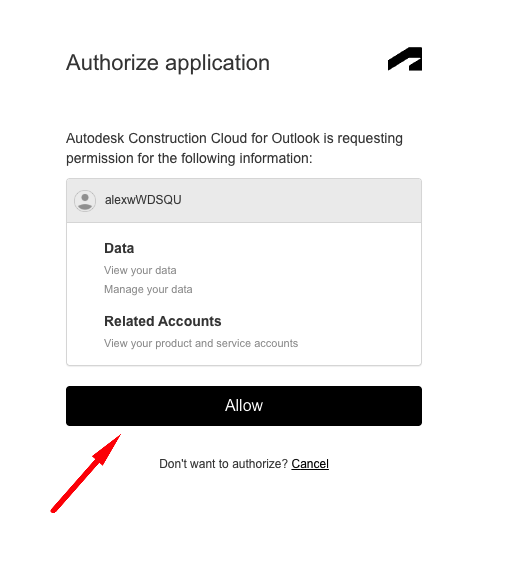
Click Allow to authorize the application.
Authorize the Application in Autodesk Forma
To mention team members within the application, it must first be authorized in Autodesk Forma.
The Outlook application will still function without Forma authorization. However, you will not be able to reference or mention team members, as the team member list will not be available.
-
Sign in to your Autodesk Forma account.
-
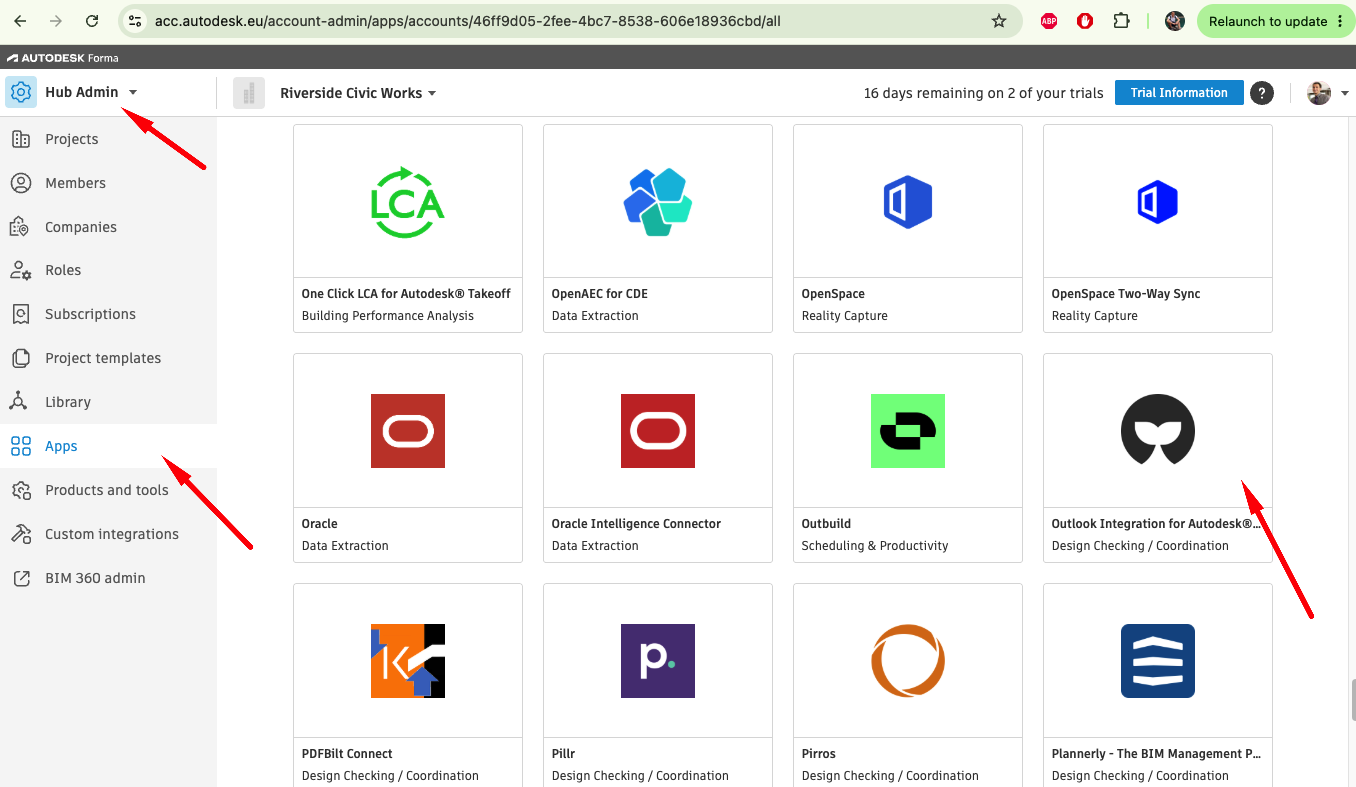
From the left-hand menu, select Apps Gallery.
-
Locate and select Outlook Integration for Autodesk Forma by Move Work Forward from the list.
-
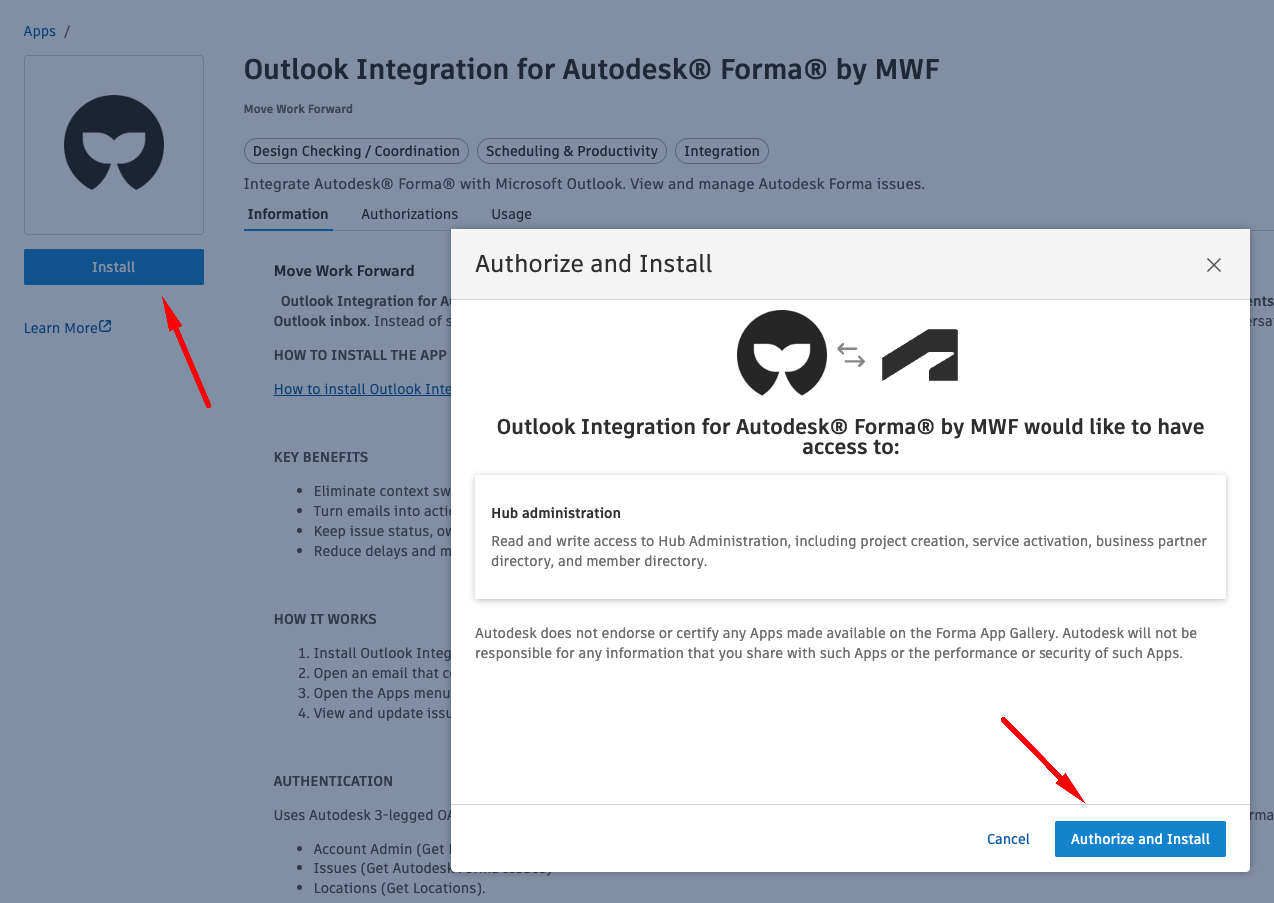
Click Install.
-
Click Authorize and Install to complete the setup.
Using Autodesk Forma in Outlook
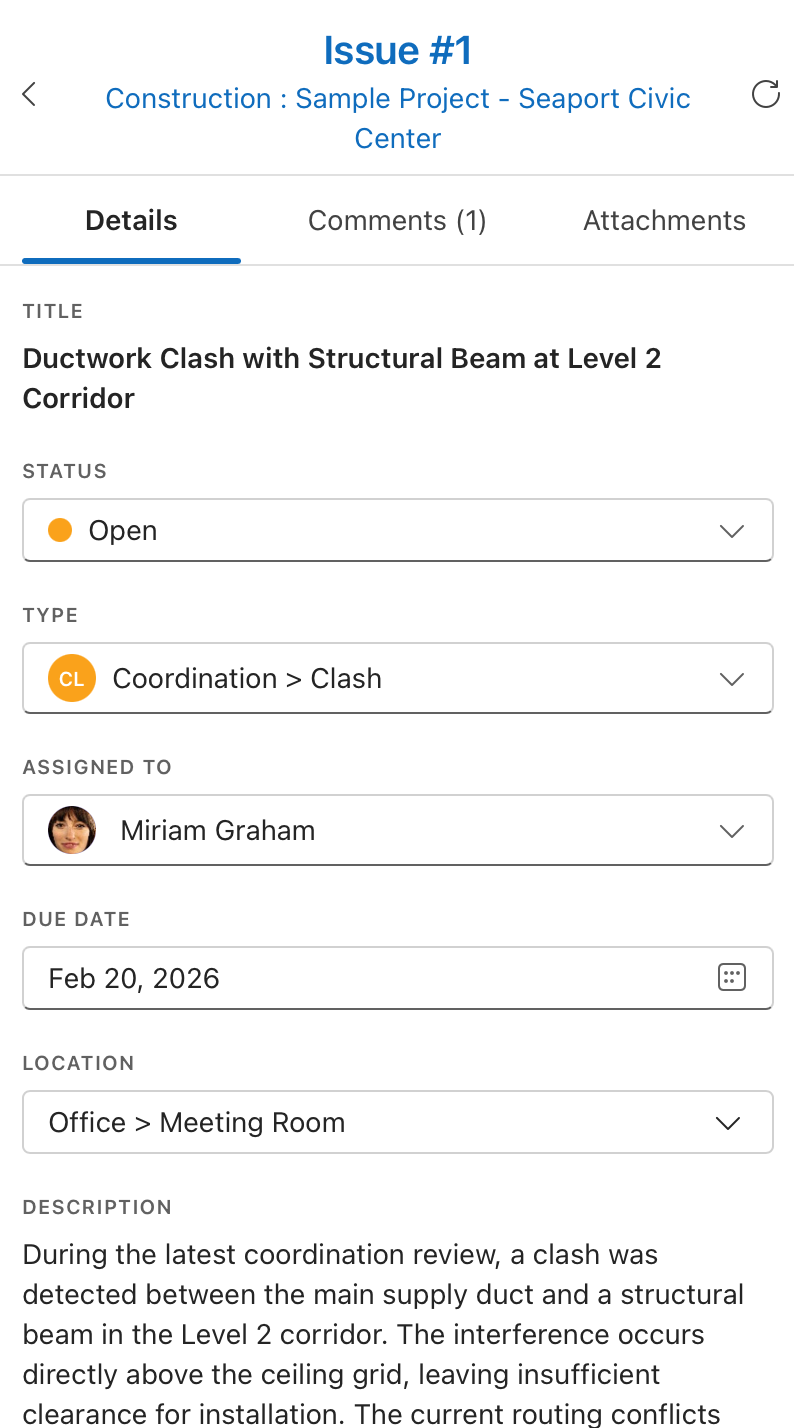
After completing the setup, the Forma side panel will display details for any linked Autodesk Forma issues directly within Outlook.
You're All Set!
You can now:
-
View Autodesk Forma Issues in Outlook
-
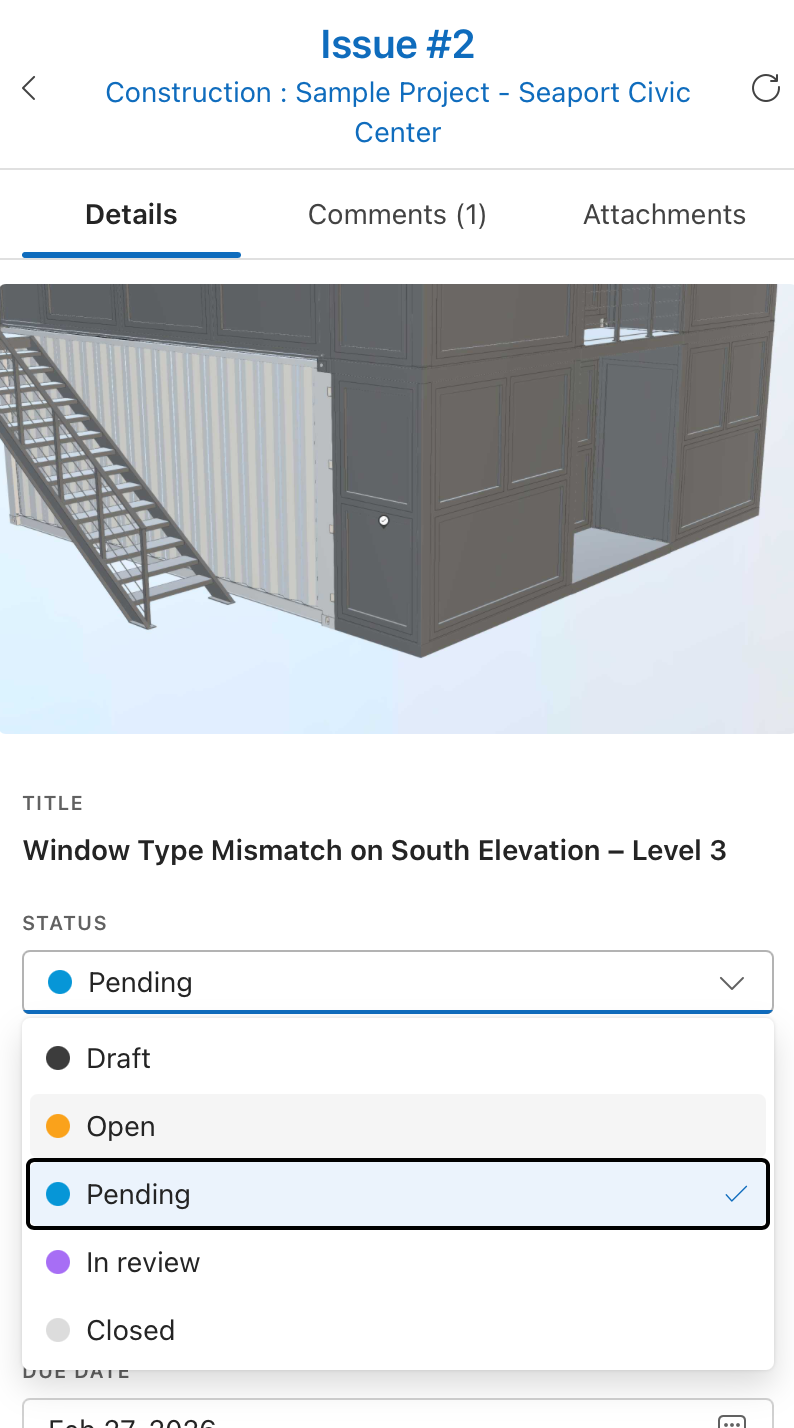
Edit issue details
-
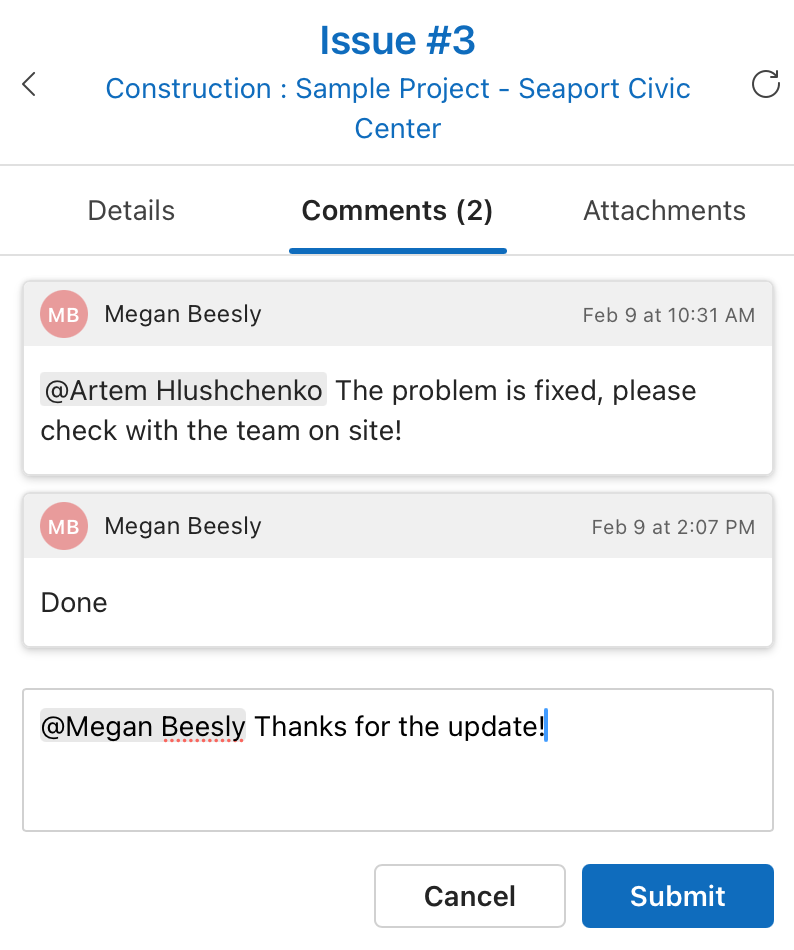
Add comments and @mention team members
-
Respond to issue notifications directly from email
Related guides
Updated: September, 2026