

This guide explains how to view and interact with CAD files attached to Jira issues using the CAD 2D and 3D Model Viewer. It covers both inline viewing within the issue and opening models in a separate pop-up for detailed inspection. You’ll also find an overview of interactive tools for rotating, zooming, measuring, and isolating components, as well as a reference to supported file formats.
Prerequisites
-
The CAD 2D and 3D Model Viewer for Jira app must be installed on your Jira Cloud site.
-
One or more CAD files must be attached to a Jira issue.
Option 1: Viewing Models Within the Jira Issue (Inline)
-
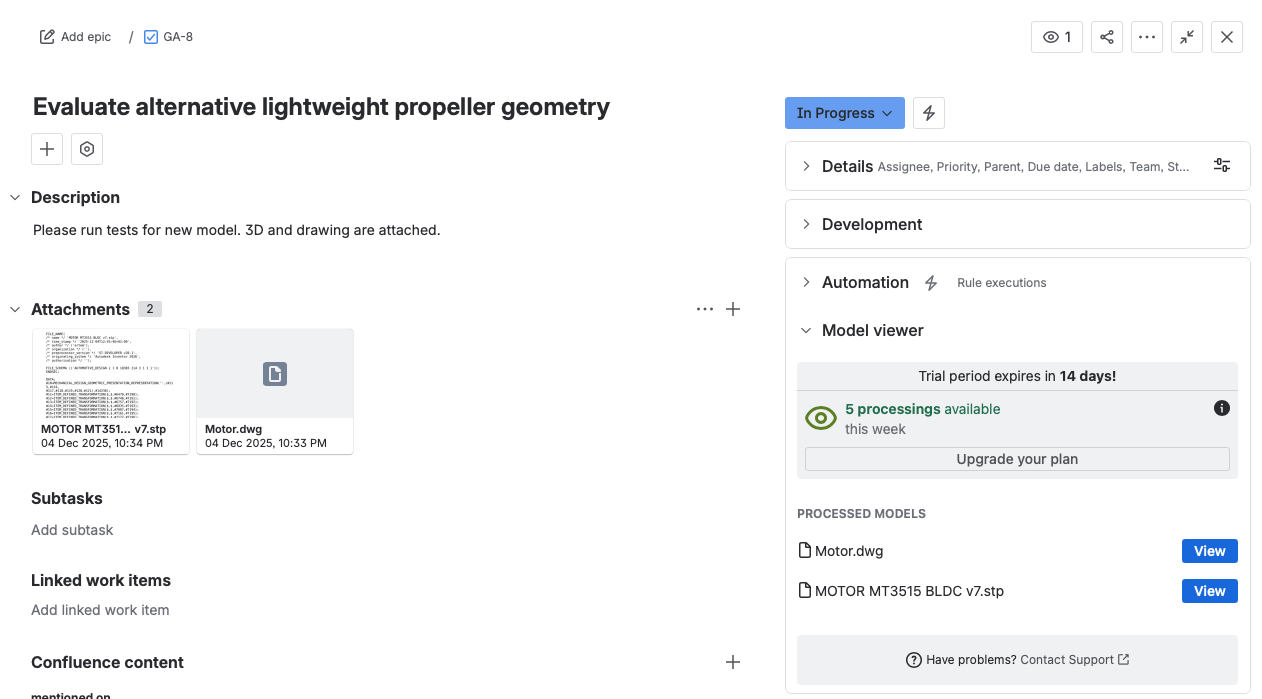
Navigate to the Jira issue containing the CAD file attachment(s).
-
Scroll down to the Model Viewer section in the main body of the issue.
-
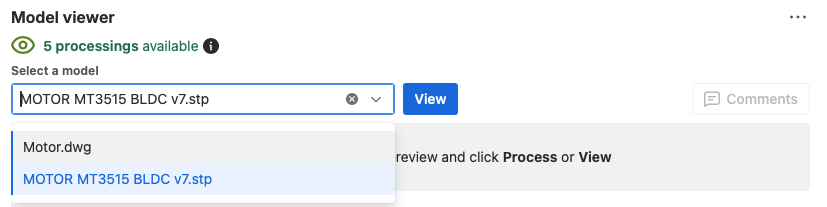
Choose the attached model you would like to display from the list.
-
Click View.
-
The interactive model will render directly within the issue.
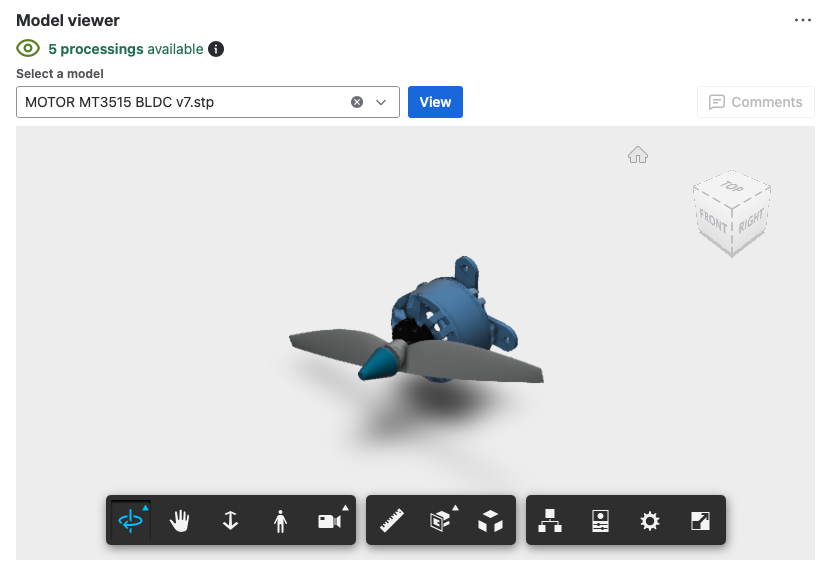
Ideal for quick visual context while working on the issue.
Option 2: Viewing Models in a Separate Viewer (Pop-up)
-
Navigate to the Jira issue containing the CAD file attachment(s).
-
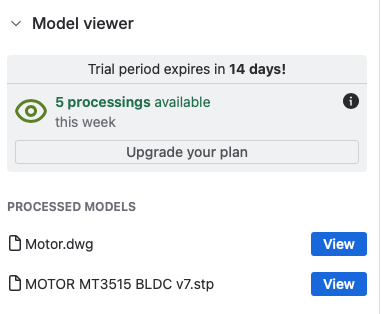
Look for the Model Viewer panel on the right-hand side of the issue.
-
Click View next to the model attachment you want to open.

-
The interactive model will open in a pop-up window.
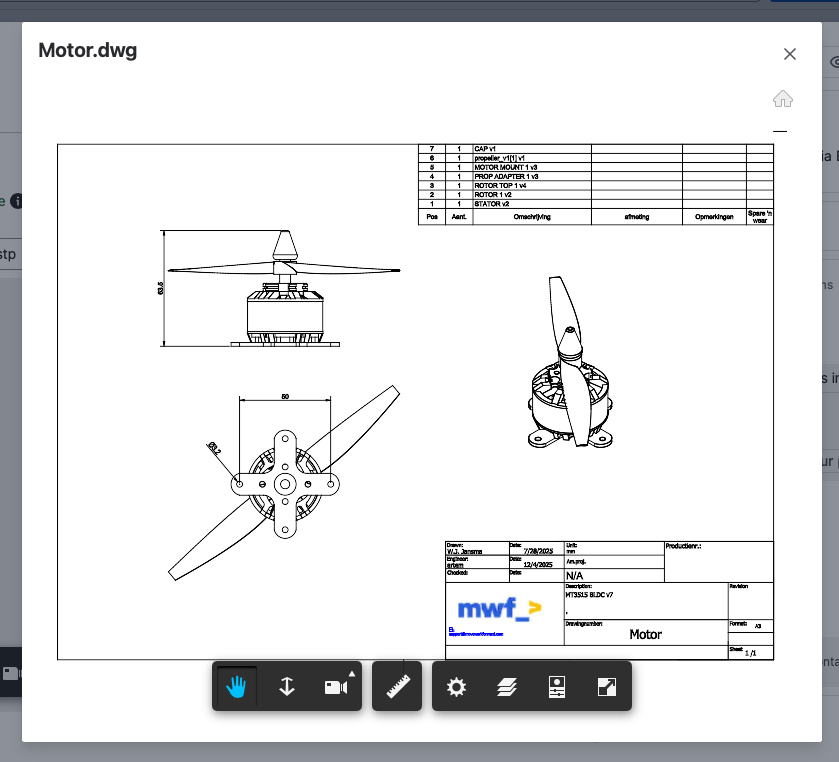
-
To close, click the X button or click outside the model window.
Ideal for detailed inspection, measurement, and cross-sectional analysis.
Interacting with the Model
-
Rotate: Click and drag to rotate the 3D model.
-
Zoom: Scroll to zoom in and out.
-
Pan: Right-click and drag to move the view.
-
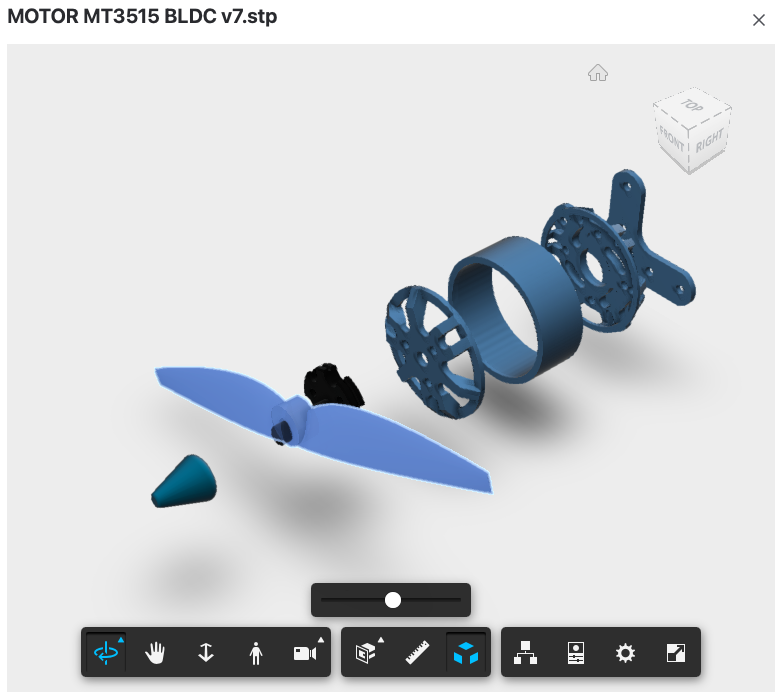
Cross-section: Slice through the model to see internal structure.
-
Isolate components: Click on individual parts to inspect them.
-
Measure: Use measurement tools to check dimensions.
-
Explode: Expand the model to view individual components.
Supported File Formats: 70+ formats including AutoCAD DWG, SolidWorks, STEP, CATIA, Inventor, Revit. See the full Supported File Formats page.
Related CAD Products
-
CAD Model Viewer for Confluence - Embed interactive CAD models in Confluence pages
-
CAD Model Viewer for Outlook - Preview CAD attachments in your Outlook inbox
-
View all products on moveworkforward.com
Updated: