

The Model Library is the central hub for managing all CAD models in your Confluence workspace. It lists all uploaded models with their name, format, upload date, and revision history.
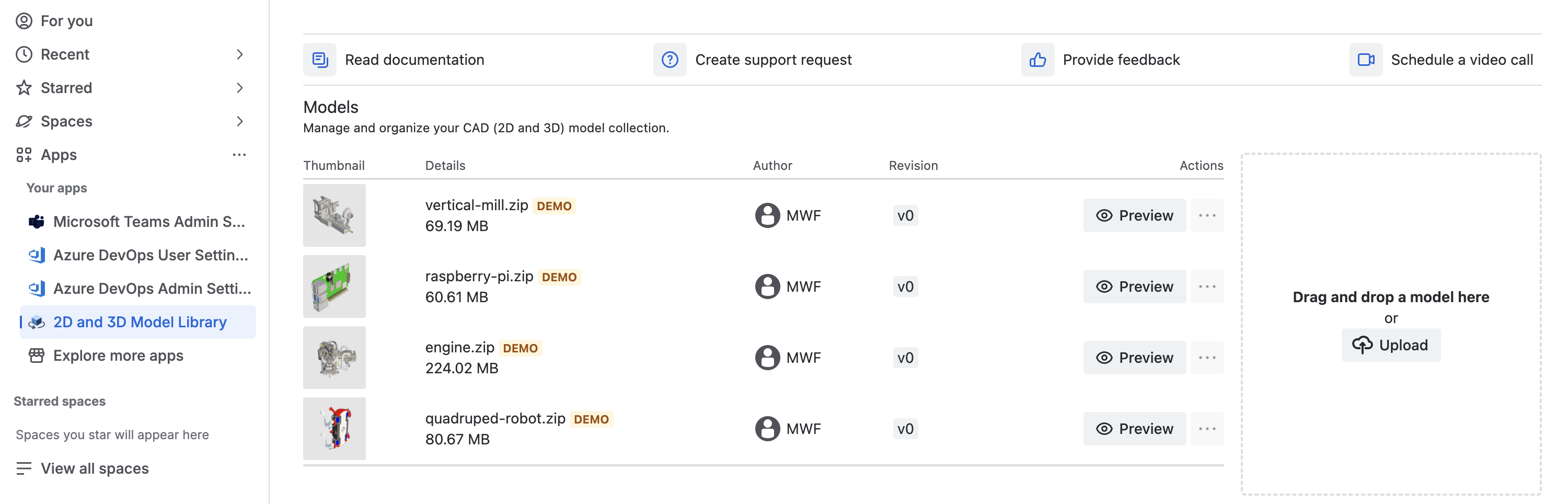
Uploading Models: Click Upload, select files, and wait for processing.
Managing Revisions: Updated versions are tracked as new revisions. Embedded macros can reference the latest or a specific revision.
Supported Formats: 70+ CAD file formats. See the Supported File Formats page.
Related CAD Products
-
CAD Model Viewer for Jira - View CAD models directly in Jira issues
-
CAD Model Viewer for Outlook - Preview CAD attachments in your Outlook inbox
-
View all products on moveworkforward.com
Updated: