

This guide explains how to install Azure DevOps for Jira on your Jira Cloud site.
Before you begin
To install apps from the Atlassian Marketplace, you must have the required Jira administrator permissions.
If you do not have permission to install apps, contact your Jira administrator.
Install Azure DevOps for Jira
-
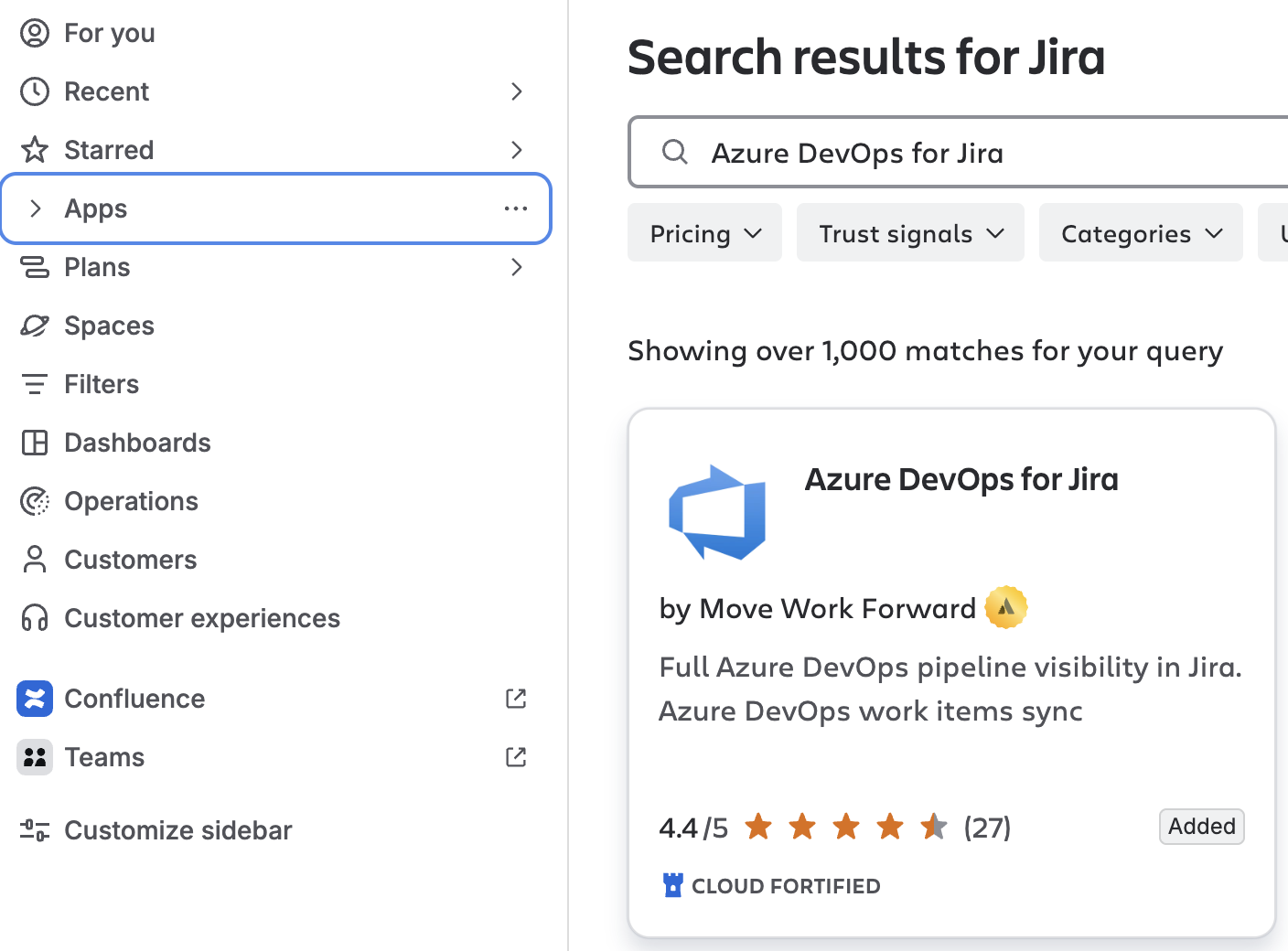
In Jira, expand Apps from the left-hand menu.
-
Select Explore more apps.
-
Search for Azure DevOps for Jira.
-
Select Azure DevOps for Jira from the search results.
-
Select Get it now or Try it free, depending on the options available for your site.
-
Follow the prompts to complete the installation.
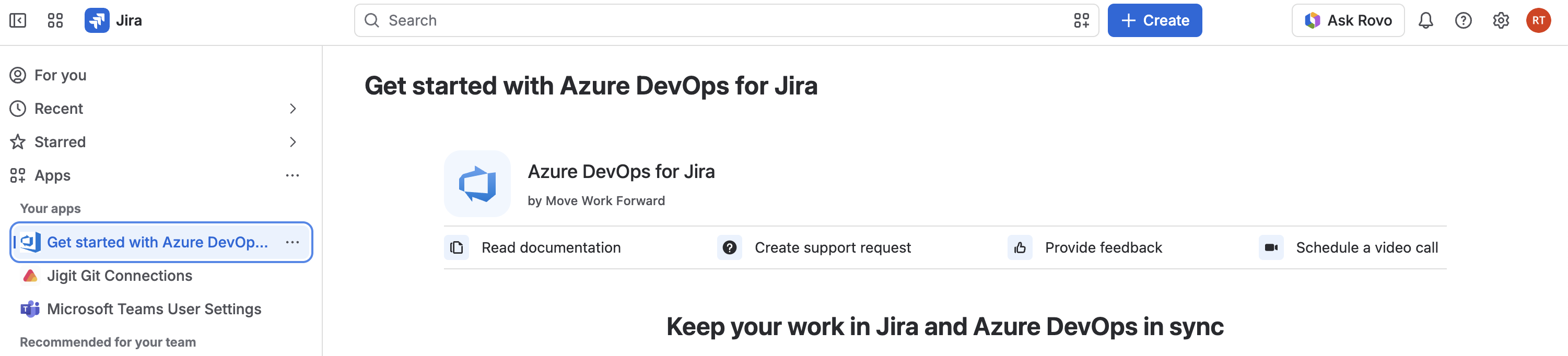
Once the installation is complete, Azure DevOps for Jira is available from the Apps menu.
Next steps
After installing the app, you need to connect your Jira site to Azure DevOps.
To continue the setup, see Get started for Jira administrators and Work Item Synchronization.
Need help?
If you experience any issues installing Azure DevOps for Jira, please contact our Support Team.
Related guides
Updated: August, 2026