

What can this app do?
Bring your Jira work items into Microsoft Teams — right where your team already works.
Boost collaboration, reduce context-switching, and stay on top of your work.
Key Features:
|
Smart Notifications 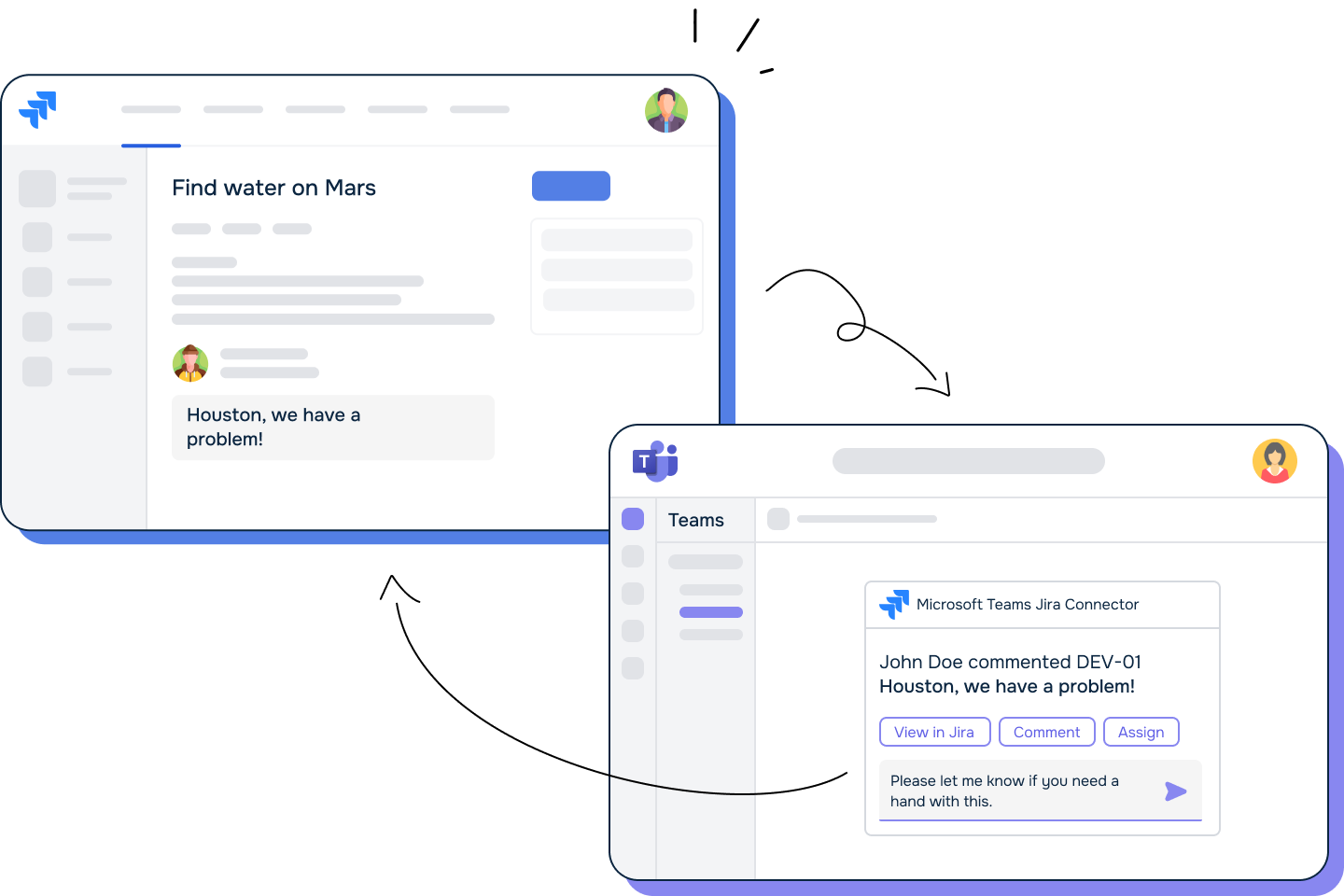
Receive real-time updates in Teams channels or direct messages when work items change in Jira. Guide -> |
Discussions Channels 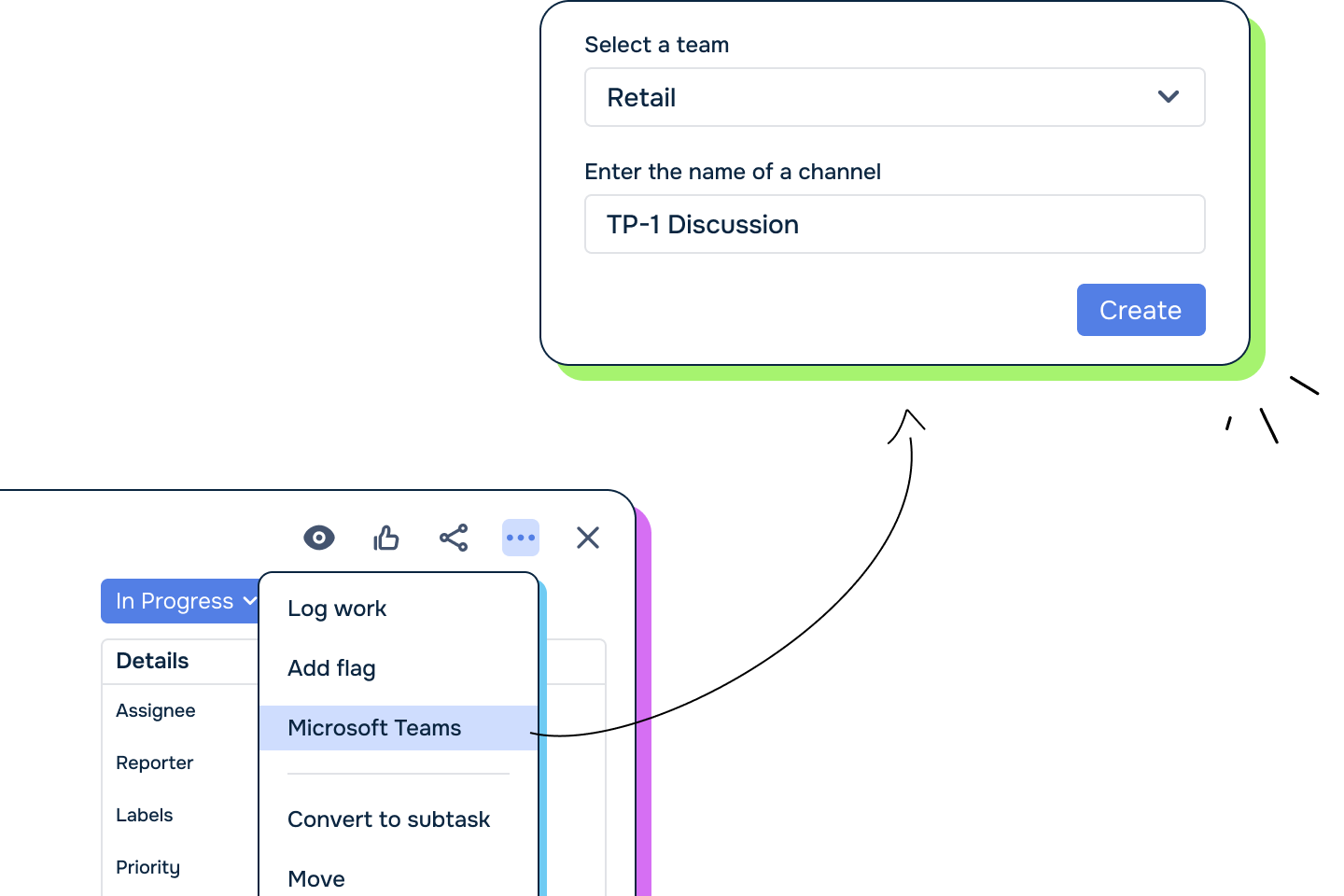
Start dedicated Teams chats directly from Jira work items. Guide -> |
Seamless Sharing 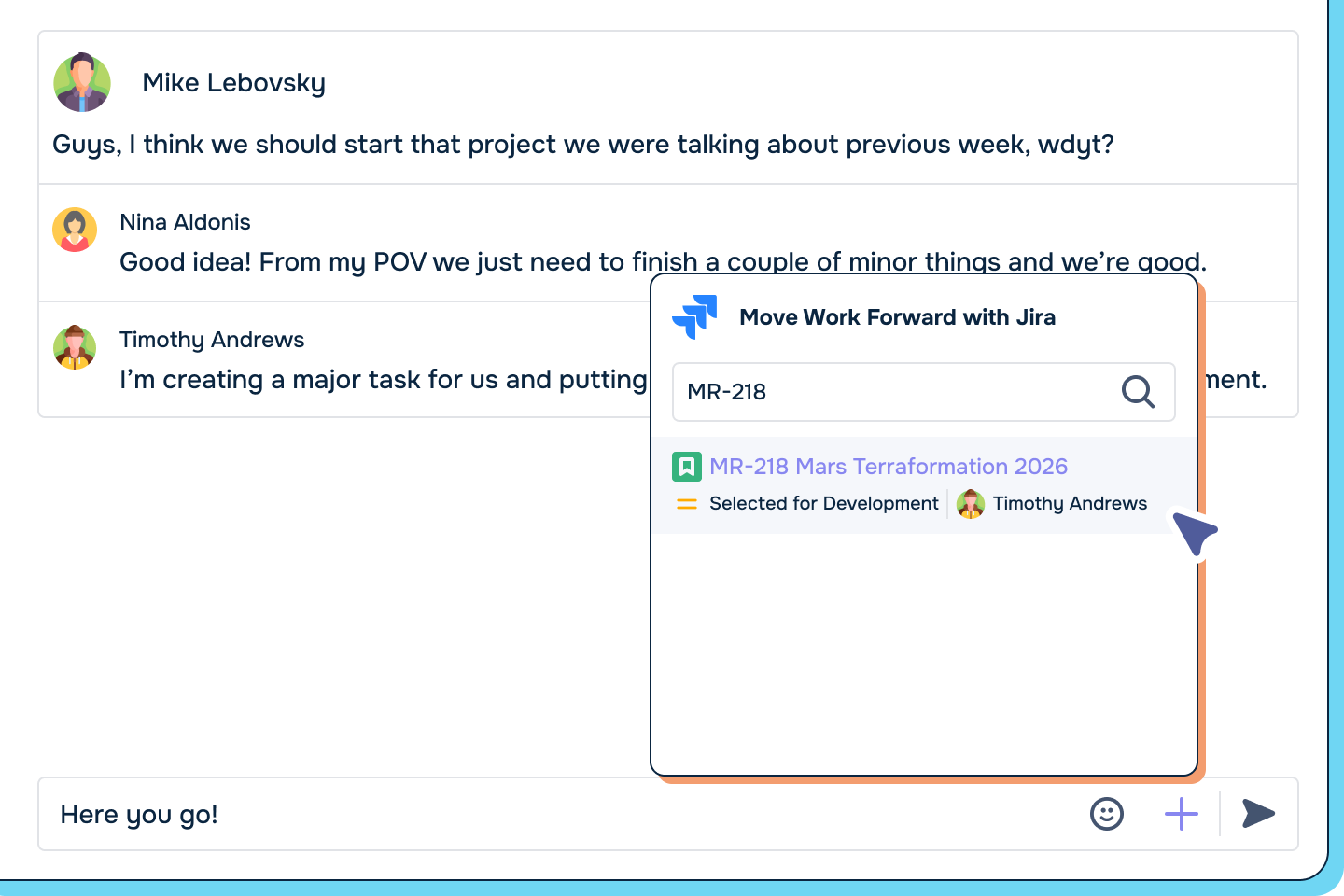
Search and share Jira work items inside Teams conversations in just a few clicks. Guide ->
|
|
Jira Tabs in Teams .png?cb=258b3714bd5434e77cf698efd0a8fbd7)
Embed filters in Teams channels to monitor project progress. Guide -> |
Work Item Reminders 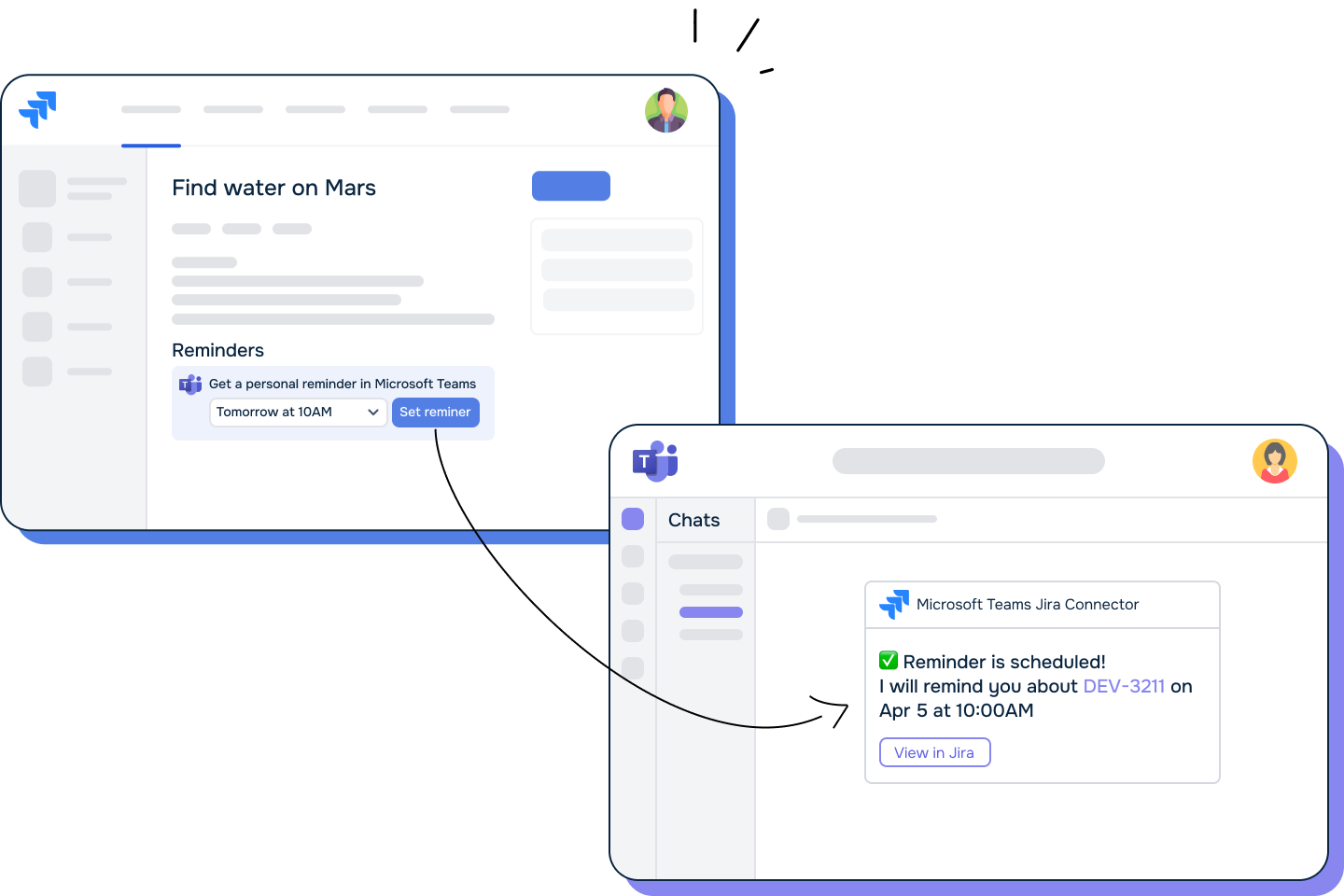
Never miss a deadline. Set up personal or team reminders to get notified in Microsoft Teams when work items are approaching due dates or require attention. Guide -> |
Log Time & Update Jira from Teams 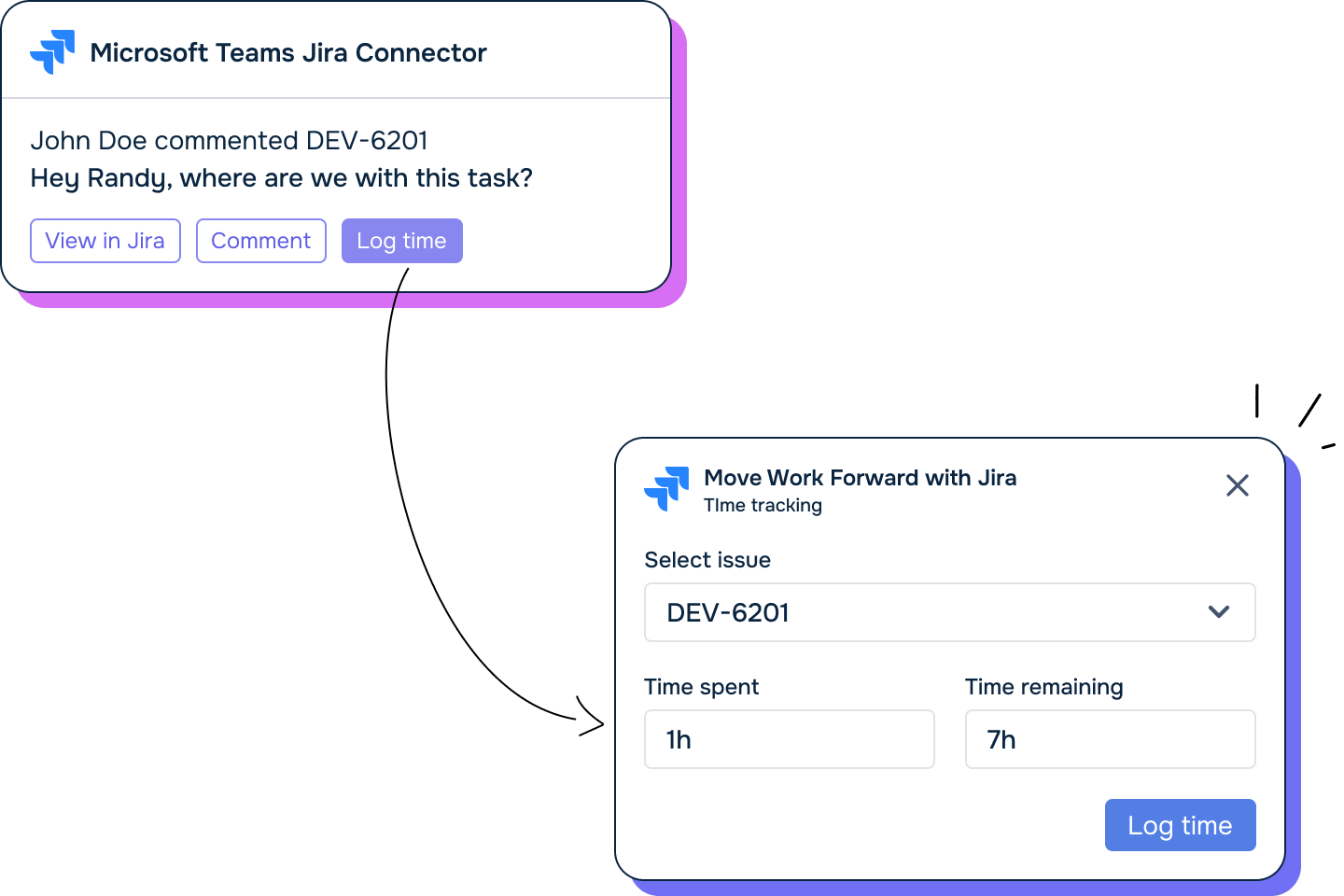
Make quick updates or log work — without leaving Microsoft Teams. Guide -> |
Start Here - Who Are You?
Choose your role to get started quickly:
🧑🔧 I’m a Jira Administrator
Set up the app for your organization.
➡️ Admin Setup Guide ->
You’ll learn how to:
-
Connect Jira and Microsoft Teams (Tenant Mapping)
-
Set up global notifications
-
Manage access and permissions
👨💻 I’m a Project Admin
Configure the app for your specific Jira projects.
➡️ Project Admin Guide ->
You’ll learn how to:
-
Send project updates to Teams channels
-
Add Jira Tabs in Teams
-
Customise notification rules
🧑💼 I’m a Jira User
Make your daily work in Jira easier and more connected.
➡️ User Productivity Guide ->
You’ll learn how to:
-
Get personal notifications in Teams
-
Share and discuss Jira work items in Teams
-
Log work and update work items from Teams
Explore More
Need Help?