

Every event and filter available when building a Global, Project, or Personal notification rule.
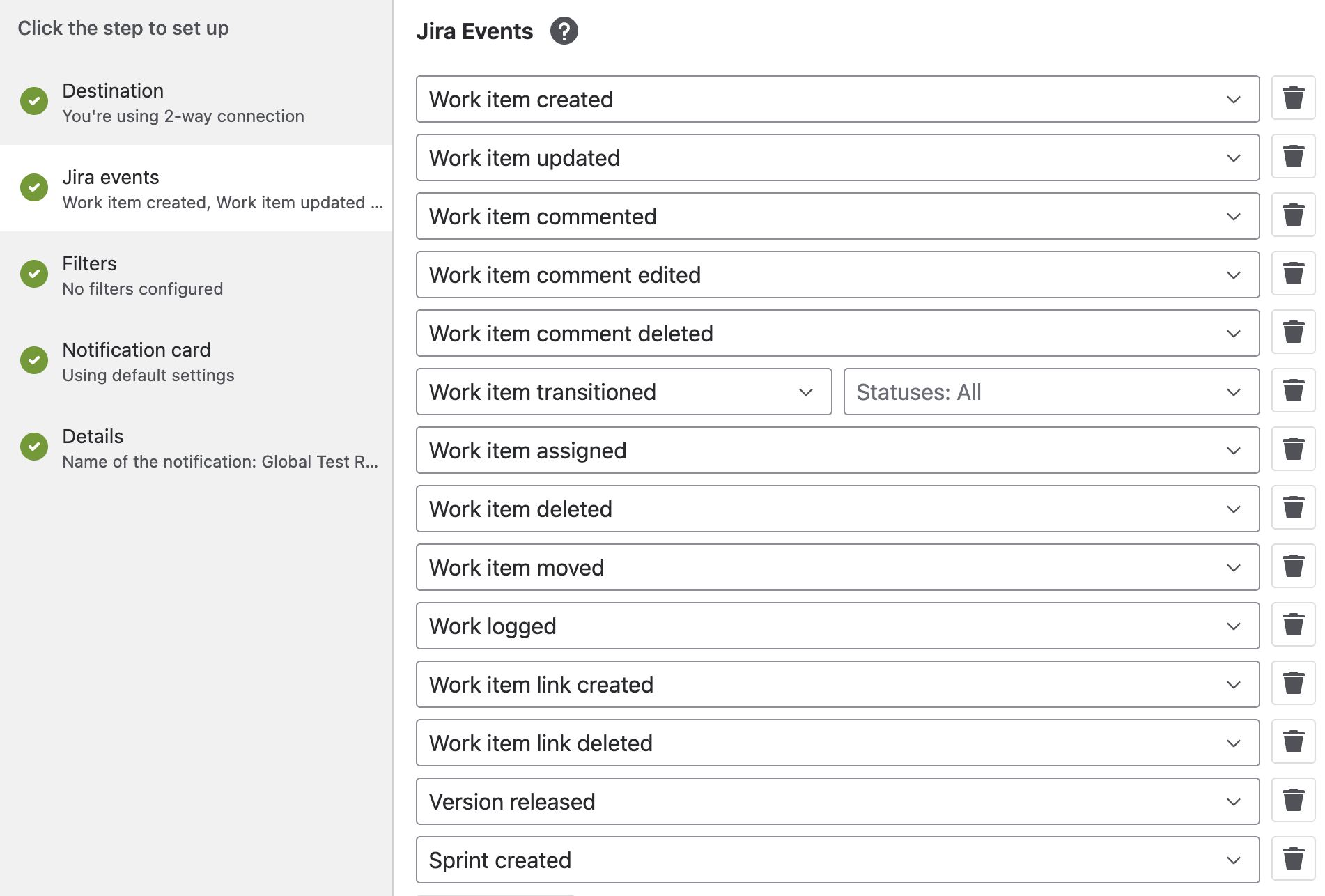
Events
|
Event |
Fires when |
|---|---|
|
Work item created |
A new work item is created |
|
Work item updated |
Any field on a work item changes |
|
Work item commented |
A comment is added |
|
Work item comment edited |
An existing comment is edited |
|
Work item comment deleted |
A comment is deleted |
|
Work item transitioned |
Status changes - optionally scoped to specific target statuses |
|
Work item assigned |
The assignee changes |
|
Work item deleted |
A work item is deleted |
|
Work item moved |
A work item moves between projects |
|
Work logged |
Time is logged against a work item |
|
Work item link created / deleted |
A work item link is added or removed |
|
Version released |
A project version is released |
|
Sprint created / started / closed |
The corresponding sprint lifecycle event |
|
Upcoming due date (Personal only) |
A configurable number of days (1/2/3/5/7/14, default 3) before a due date - available under the Assignee or Reporter category |
Personal rules only: "I was mentioned" is a role filter rather than a listed event - it applies across whichever events you've enabled for the Mentioned category.
Filters
|
Filter |
Applies to |
Notes |
|---|---|---|
|
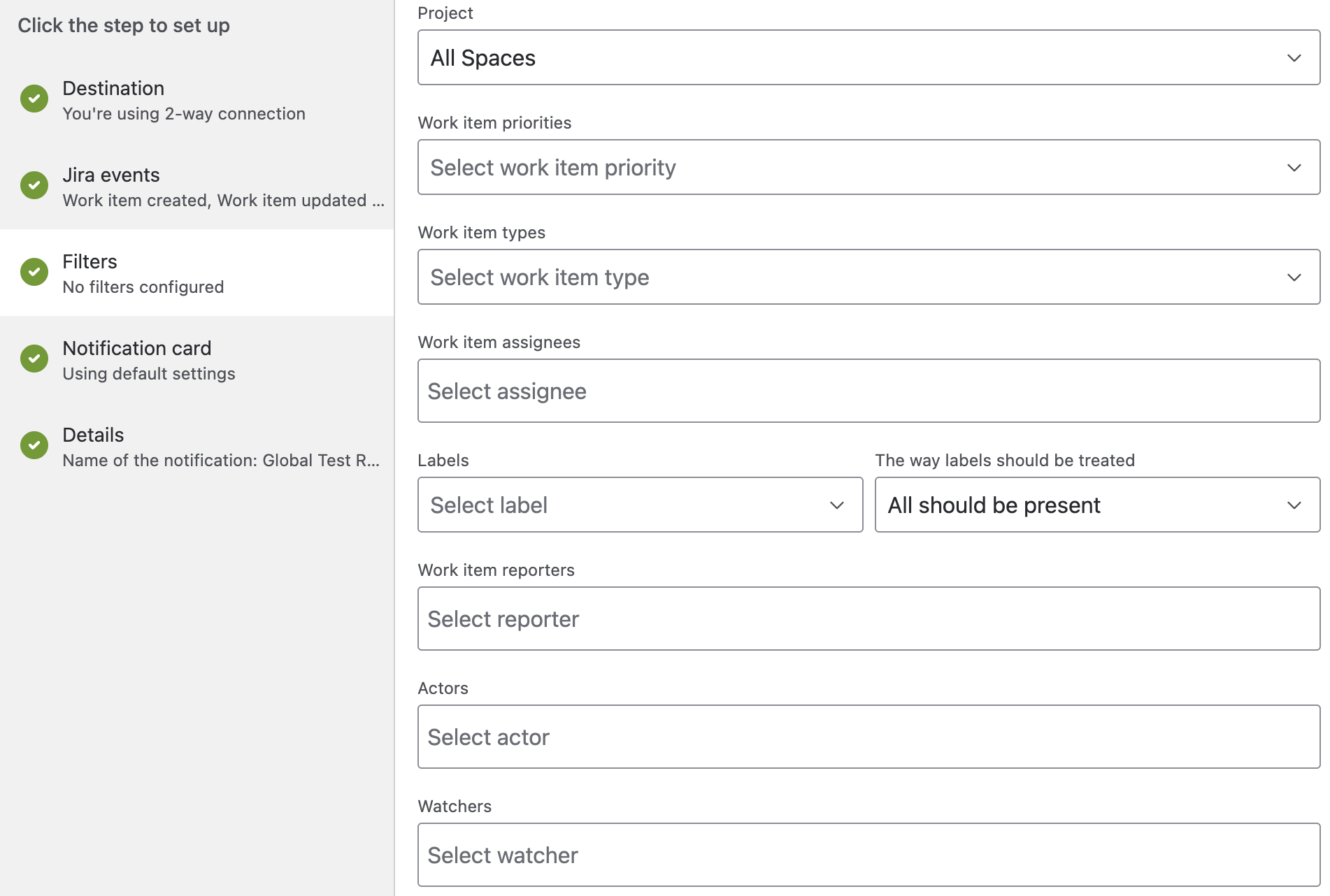
Project |
Global / Project |
Personal rules use a plain project picker instead; Project-level rules lock this to the current project |
|
Work item priorities |
All |
Multi-select |
|
Work item types |
All |
Multi-select, grouped by project |
|
Work item assignees
|
Global / Project |
User-or-group pickers; Actor supports "show unassigned user". Personal rules omit these - they implicitly mean you. |
|
Labels |
All |
Creatable multi-select, plus a matching strategy: all labels must match, or at least one |
|
Ignore internal Jira Service Management comments |
All |
Only affects comment-related events |
|
Custom fields |
All |
Field + value(s) + matching strategy, add as many rows as needed |
Filter type: Basic, JQL, or Jira Filter
Global and Project rules can choose which filter type to use - only the active tab's filters are saved:
-
Basic - the field pickers above.
-
JQL - write JQL directly, with live match preview. Functions tied to the logged-in user (
currentUser(),currentLogin(),lastLogin()) are not supported, since the rule runs independent of any one user's session. -
Jira Filter - pick an existing saved Jira filter. Only filters whose Viewer is set to My organization are available.
Personal rules only offer Basic filters.
What's next
Updated: