

Manage reminders, discussion channels, and personal notification rules by chatting with the built-in Teams Connector Rovo agent, instead of using the forms.
Requires Rovo to be enabled for your Jira site (an admin-controlled, org-wide setting) and is currently rolling out gradually - if you don't see the AI button yet, it may not have reached your tenant.
Open the agent
|
From a work item |
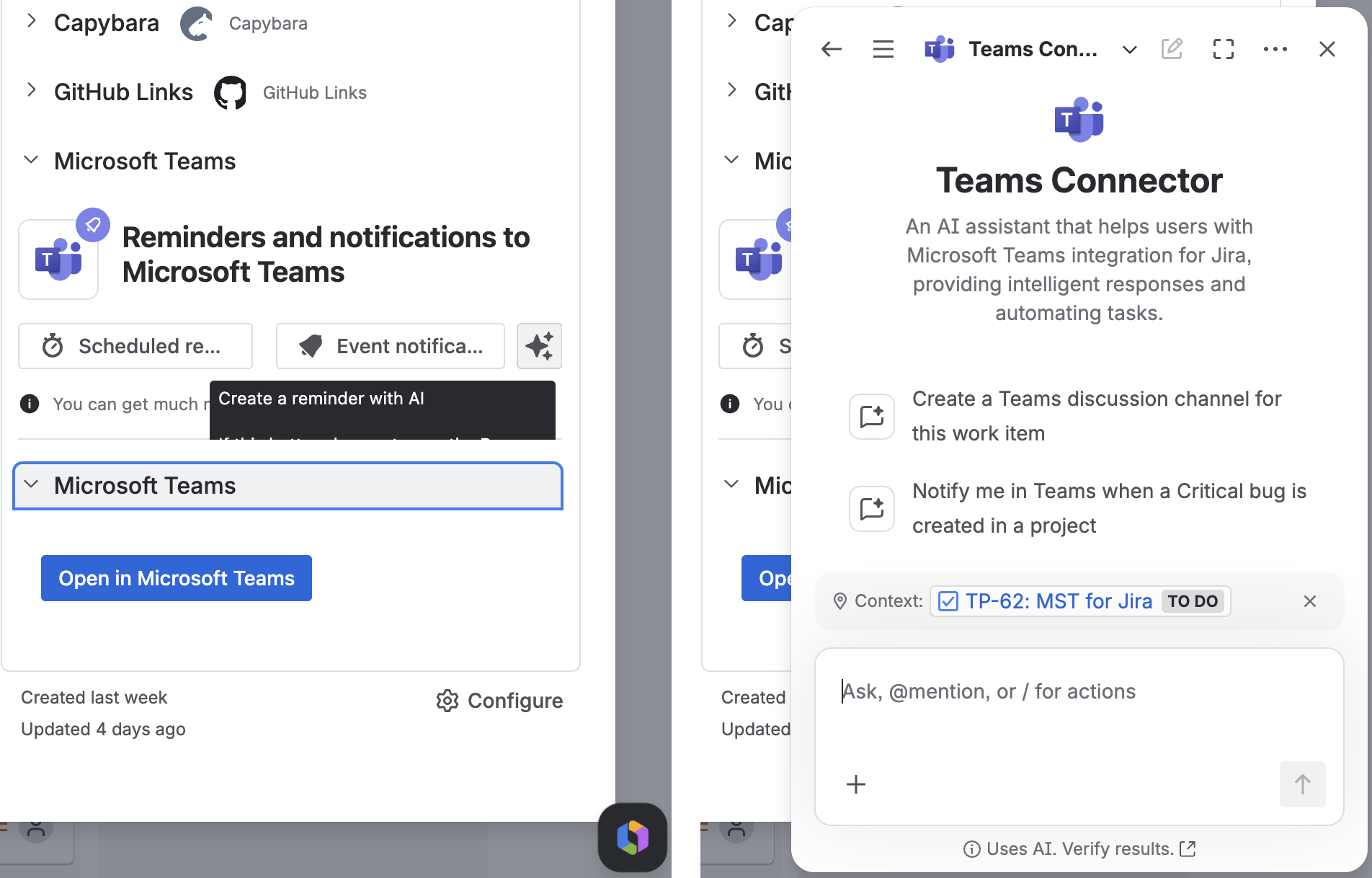
Microsoft Teams panel > the AI sparkle icon next to Scheduled reminder / Event notification |
|---|---|
|
From Rovo chat directly |
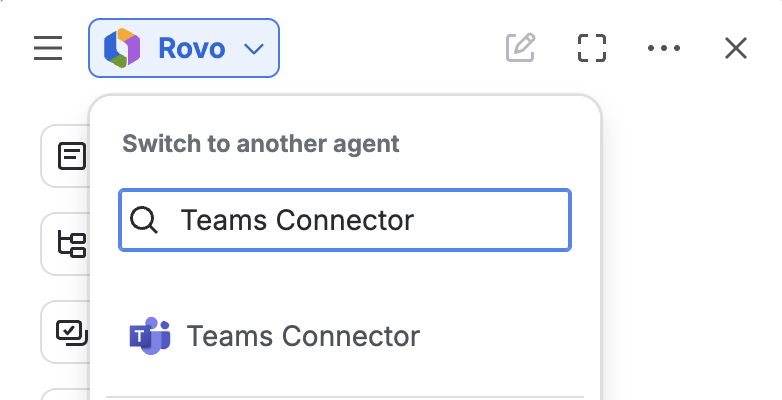
Select Teams Connector from the agent picker |
Conversation starters: "Show my reminders for this work item", "Remind me about this issue tomorrow at 9am", "Create a Teams discussion channel for this work item", "Notify me in Teams when a Critical bug is created in a project".
What it can do
Reminders
List, create, edit, and delete one-time reminders. Ask in plain language - "remind me about FF-1234 in an hour" - the agent resolves your time zone automatically and always confirms the exact scheduled time back to you.
Discussion channels
Create a channel for a work item by naming the Jira item and the Teams team. If one already exists, the agent links you to it instead of duplicating it - see Creating Discussion Channels.
Personal notification rules
List, create, edit, enable/disable, and delete your personal rules conversationally - see Setting Up Personal Notifications for what a rule can contain. Two limits: no raw JQL (describe it in plain language instead), and a maximum of 25 personal rules.
Logging in to Teams from chat
If an action needs Microsoft permissions you haven't granted (e.g. creating your first discussion channel needs an extra permission), the agent replies with a clickable login link that opens in a new tab and expires after about 5 minutes. Once you approve it, the tab confirms success and closes itself after a few seconds - just return to the chat and repeat your request.
Live updates
If you have the reminders panel or the personal rules table open elsewhere while chatting, it updates automatically the moment the agent makes a change - no manual refresh needed.
What it won't do
-
Team or project-level notification rules (those stay in the Global/Space notification guides)
-
Recurring reminders (one-time only, for now)
-
General Jira questions unrelated to Teams notifications
For admins
If the AI button isn't opening the chat for your users, confirm Rovo is enabled for Jira and this app isn't blocked from Rovo features in your org's Rovo access settings.
What's next
Updated: July, 2026