

Get a one-time reminder in Microsoft Teams about a work item at a time you choose.
Set a reminder
-
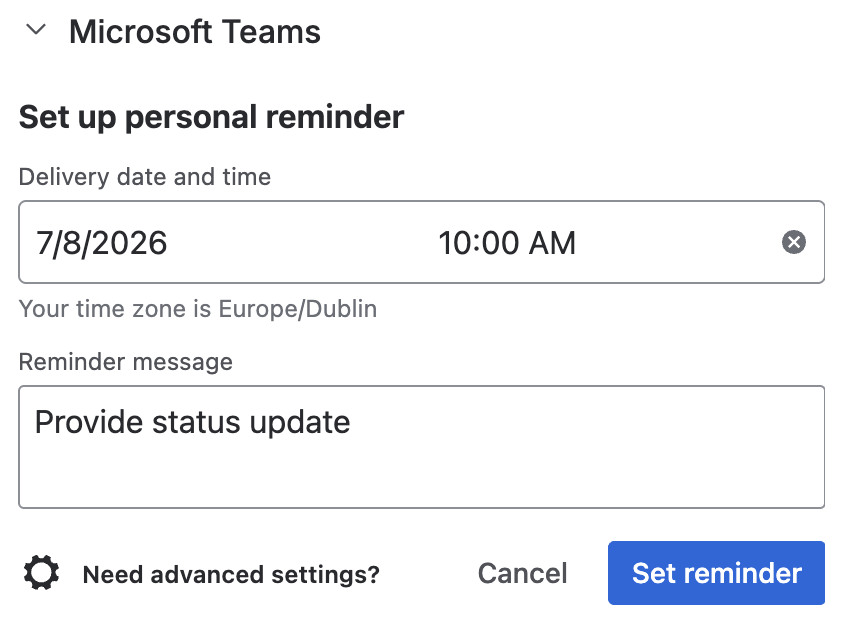
Open the work item's Microsoft Teams panel and click Scheduled reminder.
-
Pick a Delivery date and time (must be in the future; shown in your own local time zone).
-
Optionally add a Reminder message.
-
Click Set reminder.
Manage reminders
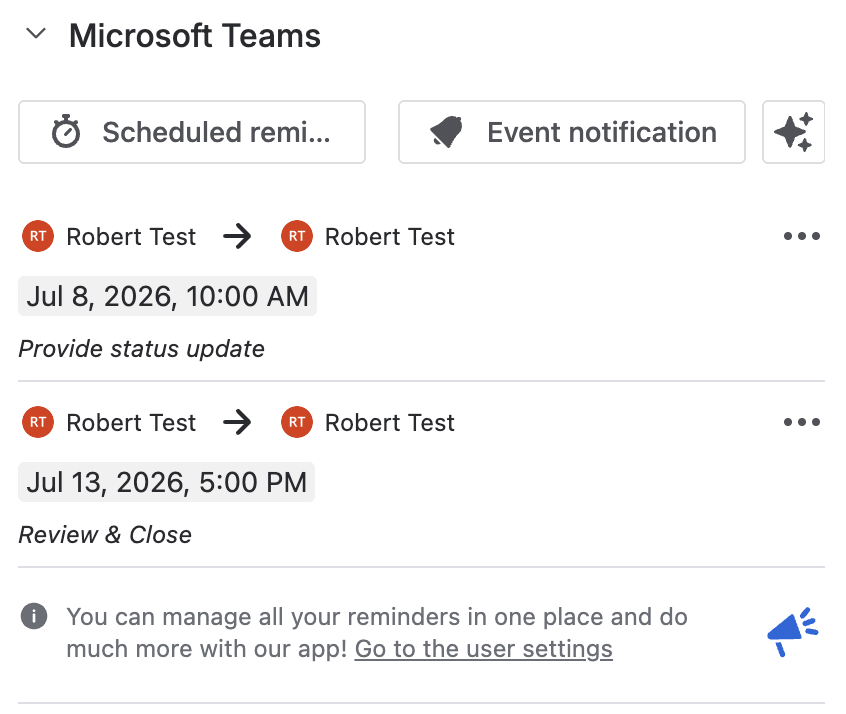
Reminders for the current work item are listed on the same panel, each showing who set it, the delivery time, and the note. Use the row's kebab menu to delete one.
You can also say "Remind me about this issue tomorrow at 9am" to the Teams Connector Rovo Agent instead of using the form.
What's next
Updated: