

Configuring Security Settings
From the Security Settings, you can control access to Microsoft Teams tenants and incoming webhooks.
Accessing Security Settings
-
Go to Jira Administration
-
Navigate to Manage apps
-
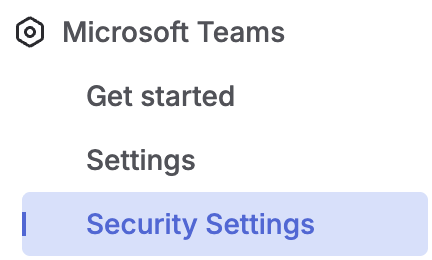
From the left-hand menu, select Security Settings under the Microsoft Teams app section
Manage Microsoft Teams Tenants
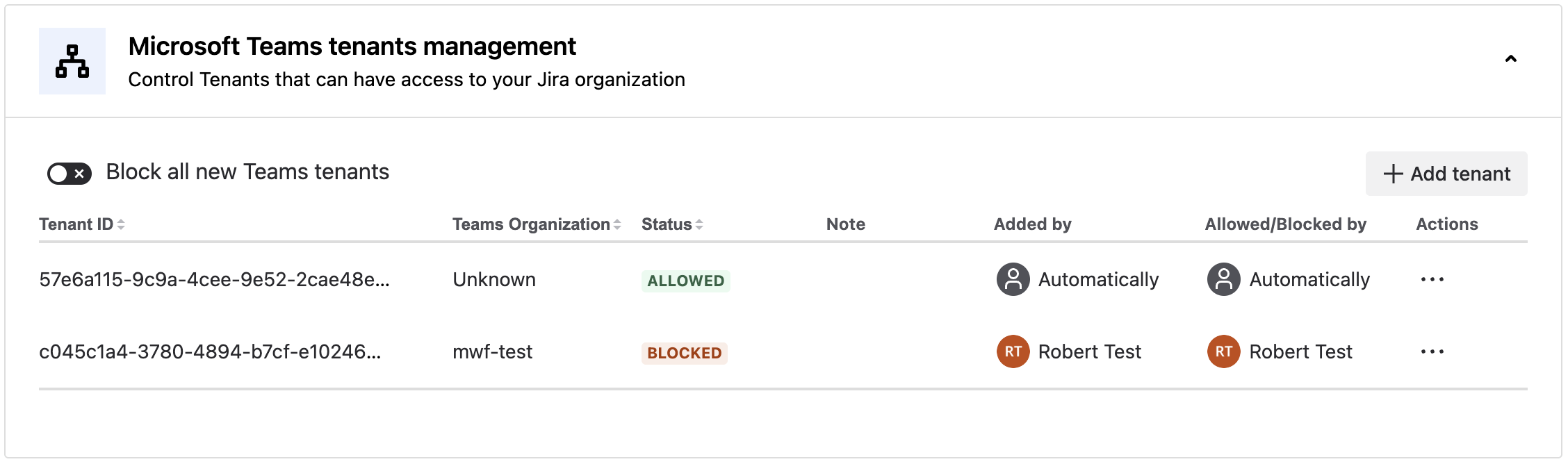
Block all new Teams tenants
-
Enable this option to prevent new Microsoft Teams tenants from being added
Add a tenant
-
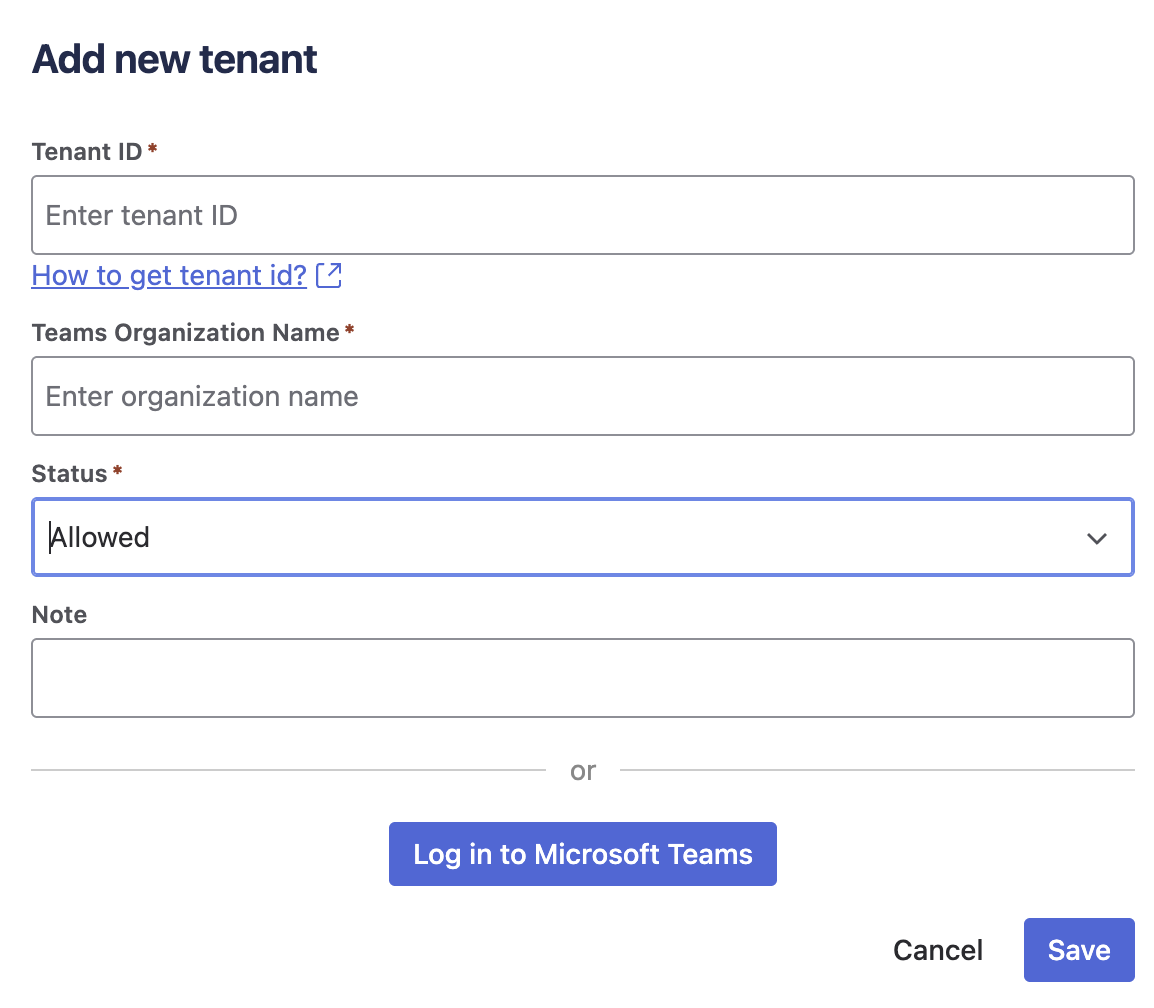
Click + Add tenant
-
Specify the tenant details
-
Set the status to Allow or Block
You can also add new tenants by logging in to Microsoft Teams.
Actions
-
Use the Actions menu to allow/block, edit, or delete existing tenants
Manage Teams Webhooks
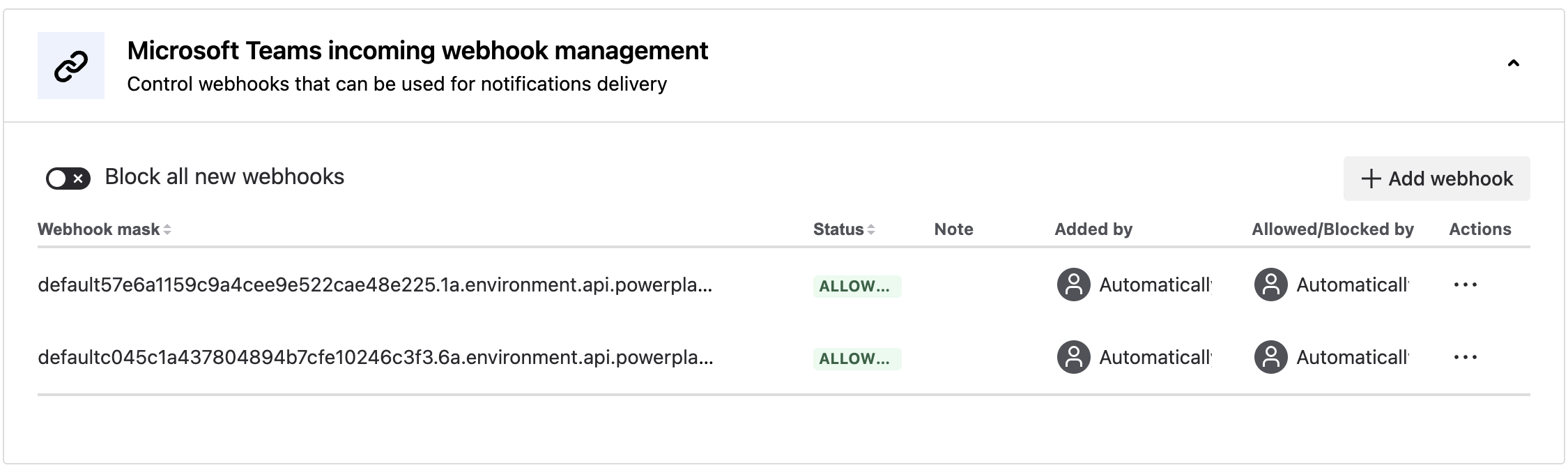
Block all new webhooks
-
Enable this option to prevent new webhooks from being added
Add a webhook
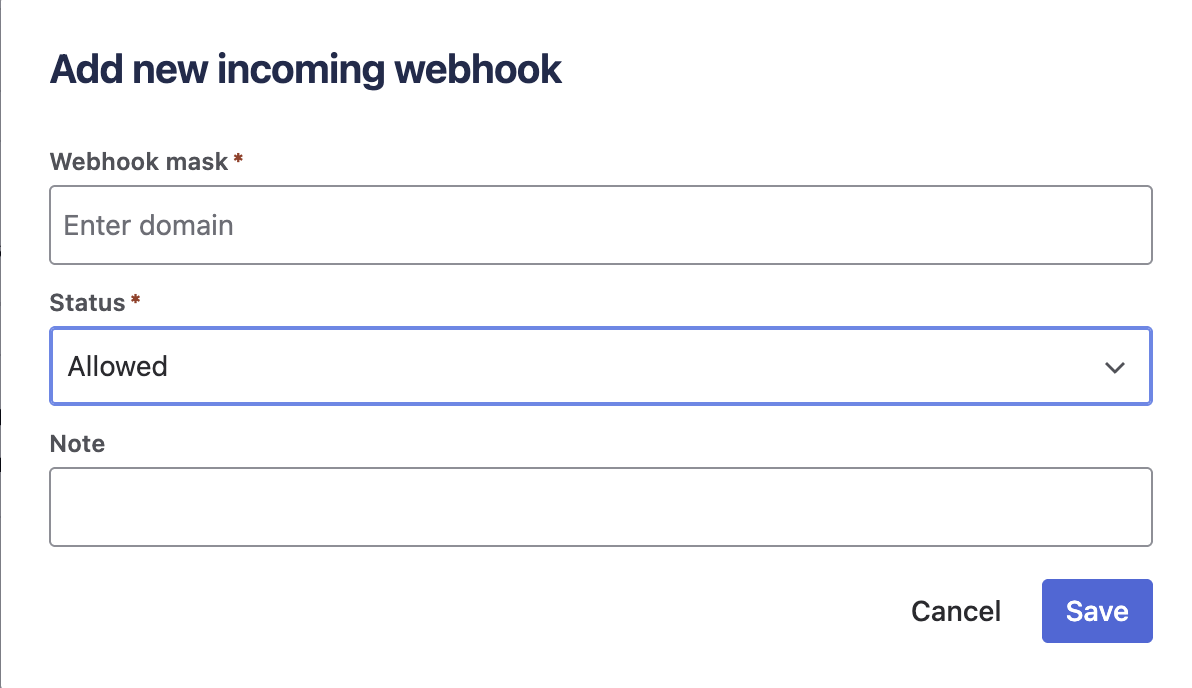
-
Click + Add webhook
-
Enter the webhook details
-
Set the status to Allow or Block
Actions
-
Use the Actions menu to allow/block, edit, or delete existing webhooks
Updated: