

Overview
The Personal Work Item Notifications feature allows users to receive Microsoft Teams notifications for activity related to a specific Jira work item. Notifications are configured directly from the Jira work item and delivered to the authenticated Microsoft Teams user.
Users can configure notifications for:
-
Specific status changes
-
New comments
-
Mentions within the work item
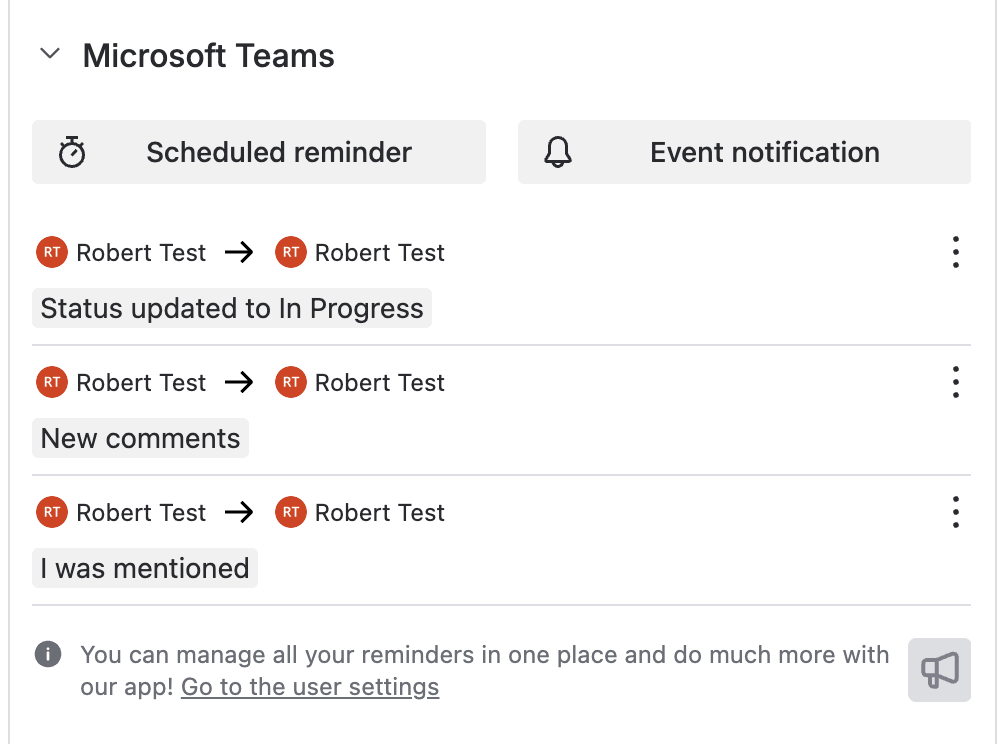
Once a notification is configured, the active notification settings are displayed within the Jira work item.
How to Configure Personal Work Item Notifications
1. Open the Relevant Jira Work Item
Open the Jira issue or work item where notifications should be configured.
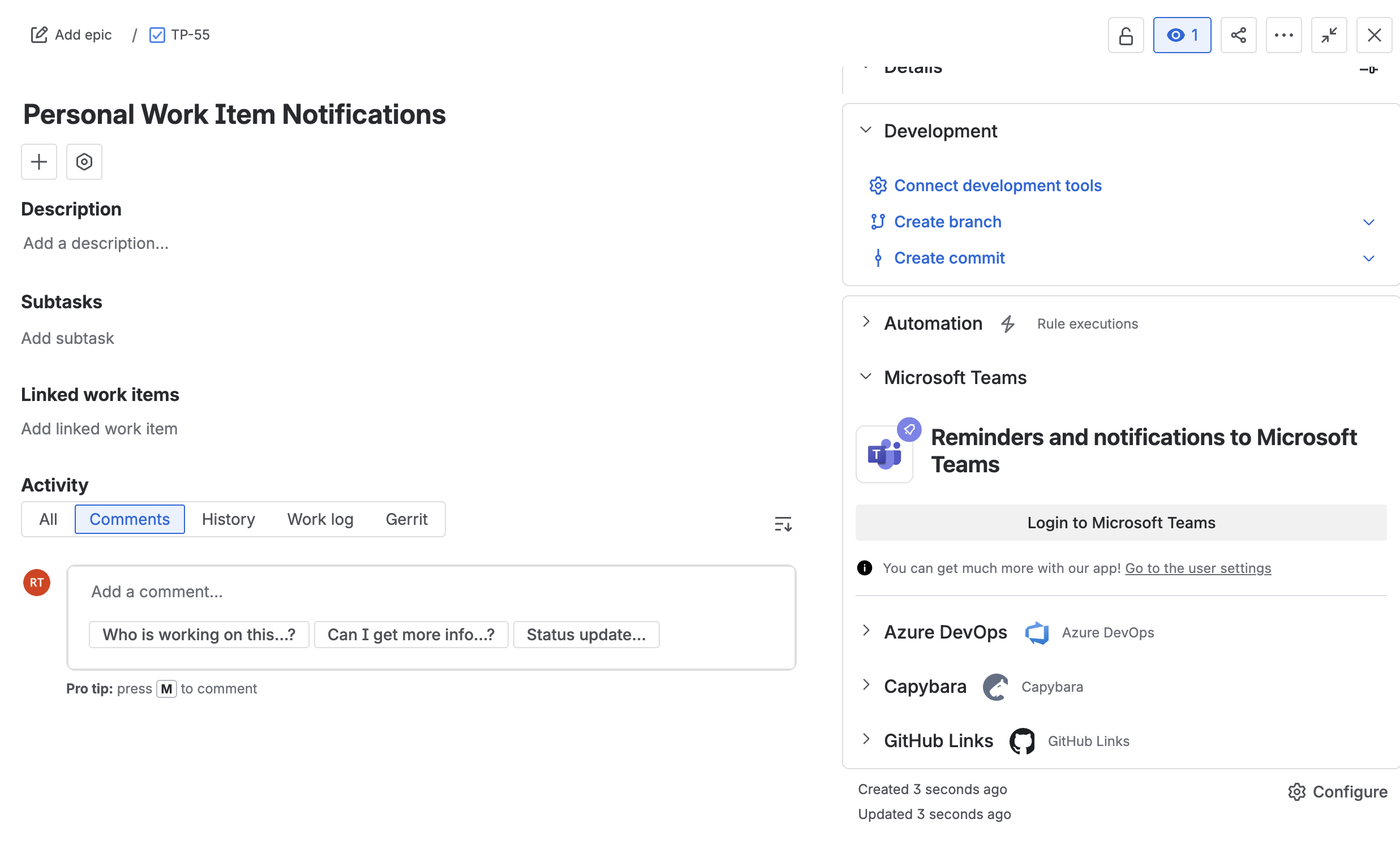
2. Open the Microsoft Teams Section
Navigate to the Microsoft Teams section within the Jira work item.
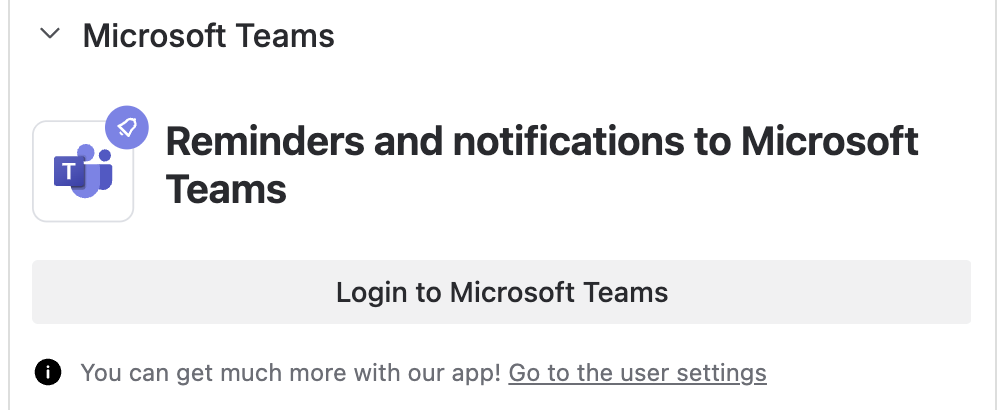
3. Authenticate with Microsoft Teams
Select Login to Microsoft Teams and complete the authentication process if prompted.
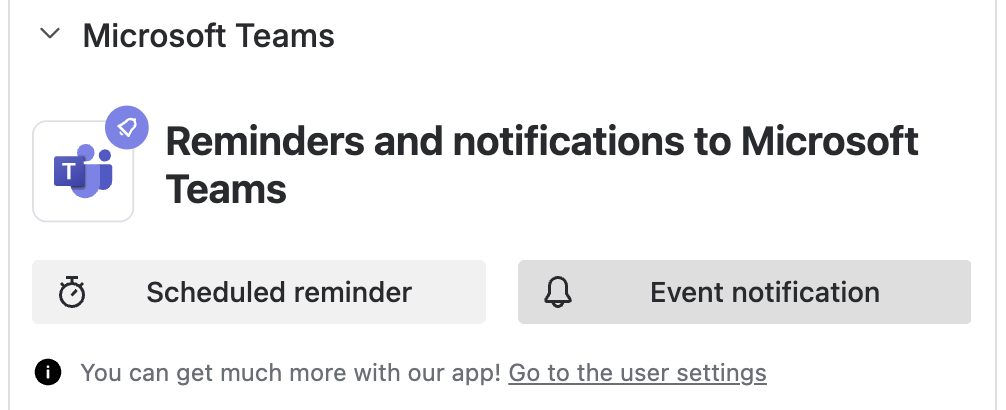
4. Open Event Notifications
Select Event Notification.
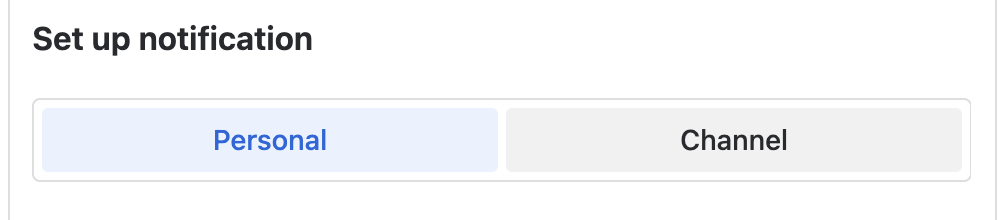
Then choose Personal.
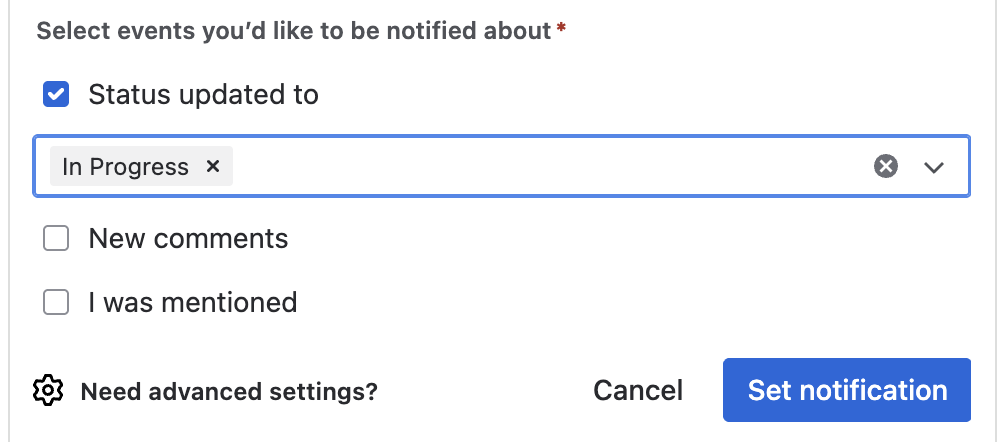
5. Configure Notification Events
Select one or more notification events:
-
Status updated to
-
Selecting this option opens a drop-down list where one or more statuses can be selected.
-
-
New comments
-
I was mentioned
6. Save the Notification Configuration
Select one of the following options:
-
Set Notification to save the configuration
-
Cancel to discard changes
Notification Status
After the notification is configured, the active notification settings are displayed within the Jira work item.
Supported Notification Events
Status Updated Notifications
Receive a Microsoft Teams notification when the Jira work item changes to one of the selected statuses.
Examples:
-
In Progress
-
Blocked
-
Ready for Review
-
Done
New Comment Notifications
Receive a notification whenever a new comment is added to the Jira work item.
Mention Notifications
Receive a notification when another user mentions you within a Jira comment or update.
Common Use Cases
Personal work item notifications can help users:
-
Monitor important work items
-
Track workflow progress
-
Stay informed about discussions and updates
-
Receive alerts when action is required
-
Improve collaboration and response times
Updated: